Video
Art Deco Marquee
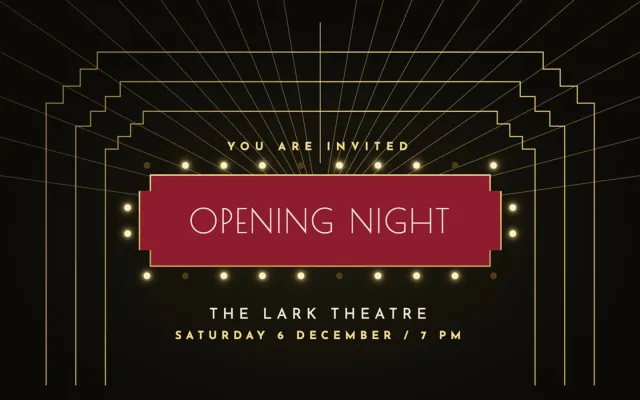
An 8-second Art Deco title: gold sunburst, stepped arches and a chasing bulb marquee.
The top and the trending, packed for your AI.
Every skill here is built and tested by Hotkit.


WORKS WITH


An 8-second Art Deco title: gold sunburst, stepped arches and a chasing bulb marquee.
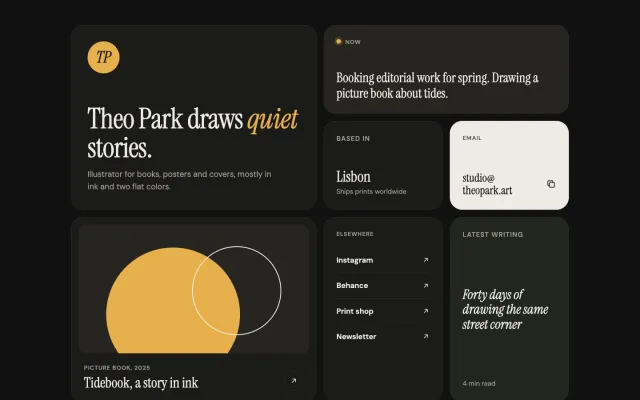
A calm one-page portfolio and link page built from rounded bento cards.
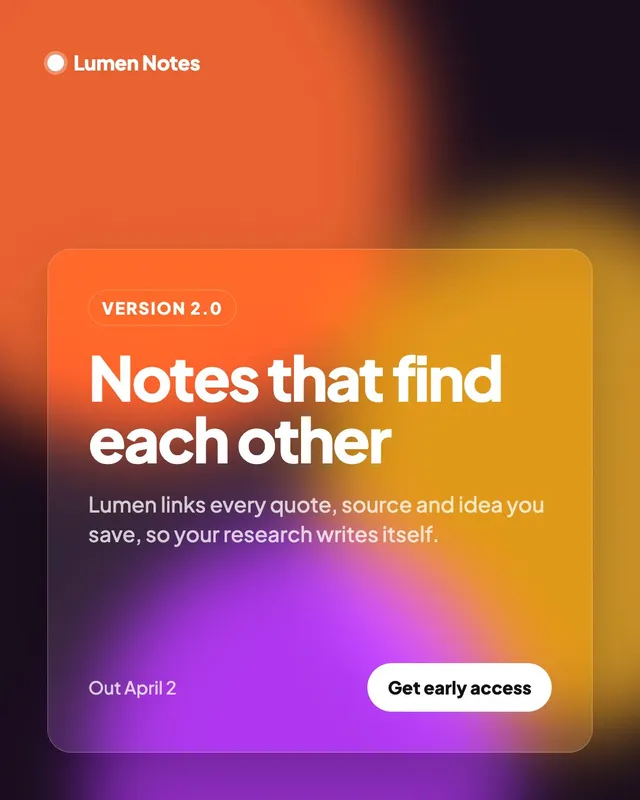
One announcement, four matching post sizes, in soft aurora gradients and frosted glass.

A ten-slide fundraising deck where big numbers do the talking, with PDF export.
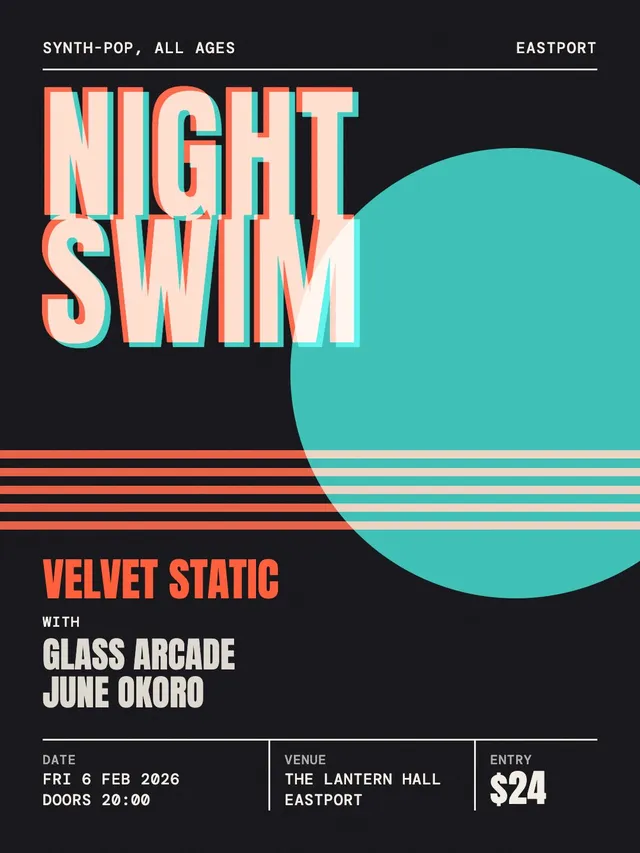
A matching show poster and e-ticket in loud two-ink overprint, drawn with code.
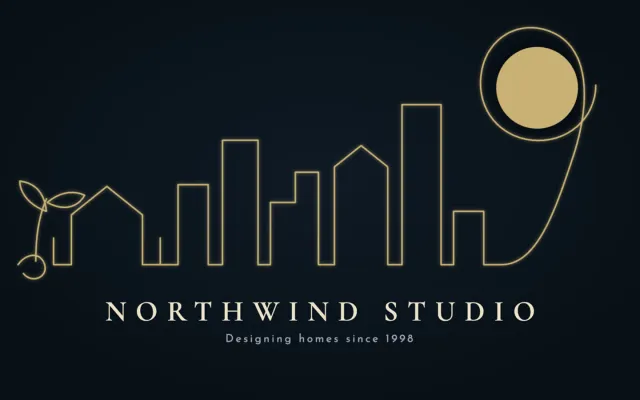
A 9-second gold line draws a seed, a skyline and a moon, then reveals your brand.
A calm one-page portfolio and link page built from rounded bento cards.
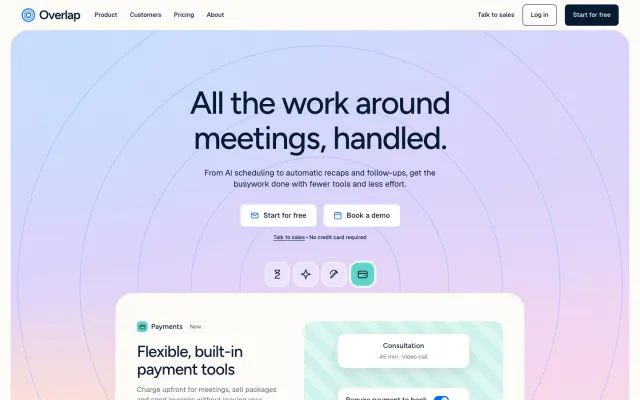
Complete multi-page SaaS site with 34 hash routes and a JSON content generator.
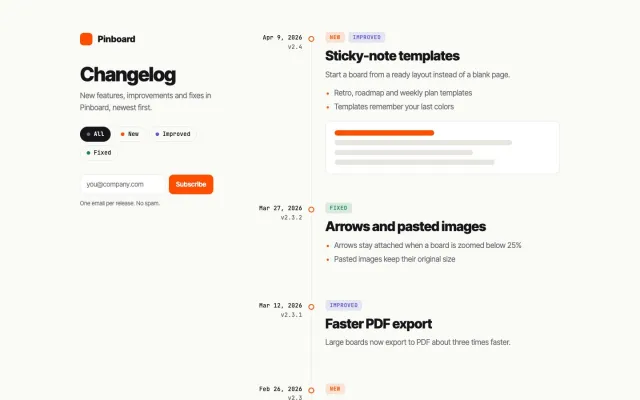
A calm one-file changelog with a vertical timeline, tag filters and a subscribe box.
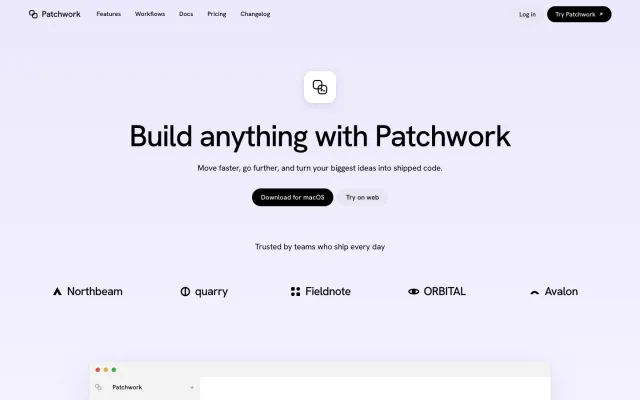
A complete offline developer-tool website in one HTML file
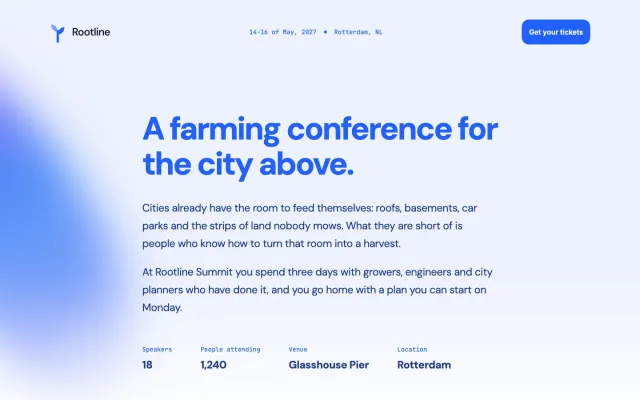
A bright one-page conference site with speaker day tabs, a three-day schedule and signup.
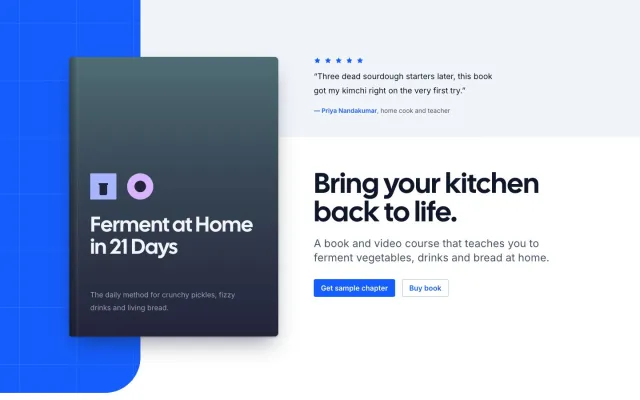
A calm sales page for an ebook or course: drawn cover, chapters, videos and pricing.
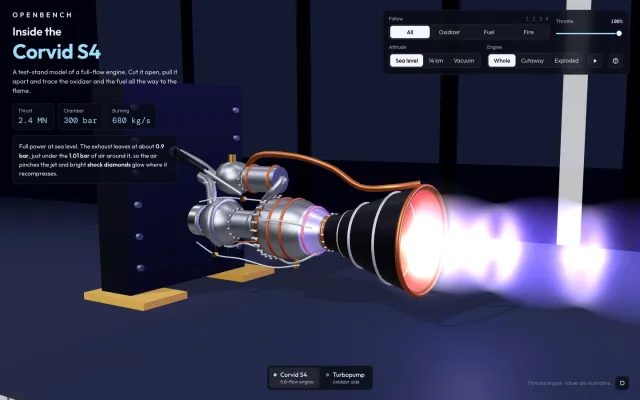
A 3D machine you can rotate, cut open, pull apart and follow the flows through.
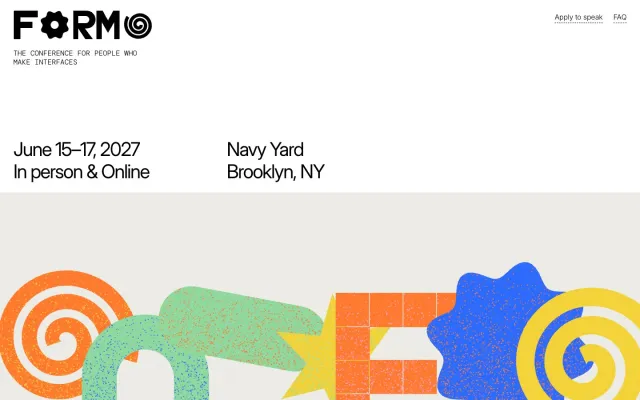
A creative-conference site with a glyph word mark and code-generated stippled glyph art.
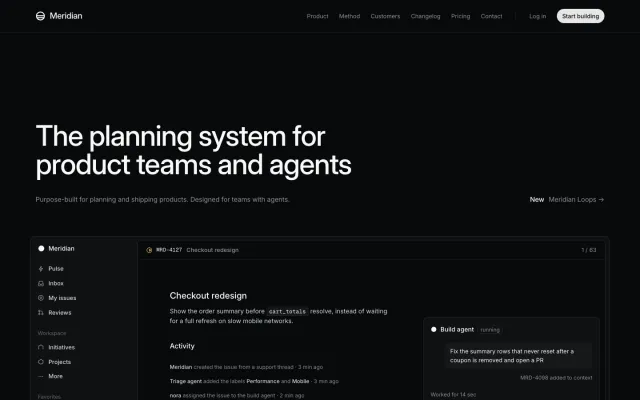
A complete offline SaaS website with hash routes, editable content and three themes.
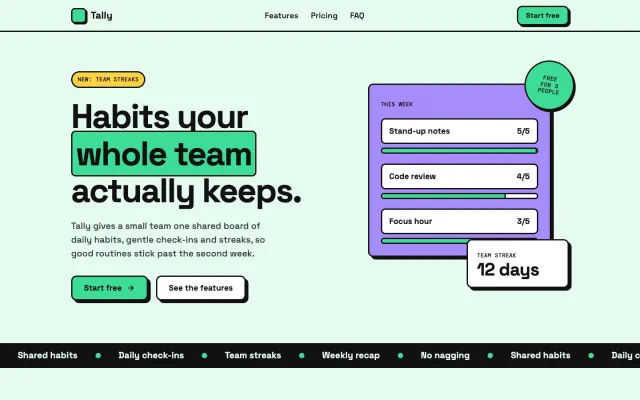
Loud one-file launch page with pricing toggle and FAQ, thick borders, hard shadows.
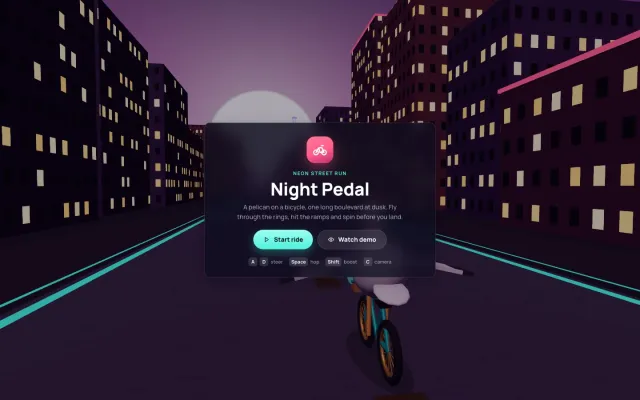
A one-file 3D game - a pelican on a bike, rings, ramps and spins on a neon street at dusk.
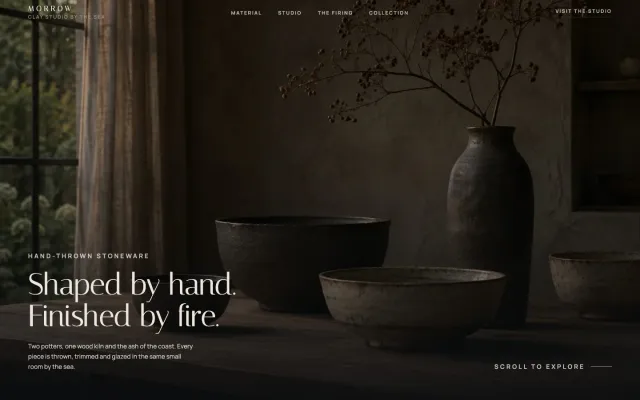
One sentence in, a cinematic dark landing page with parallax and hotspots out
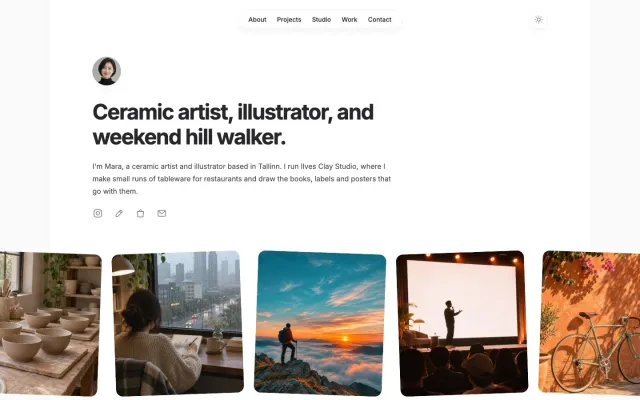
A calm personal site with a tilted photo strip, projects, work history and contact form.
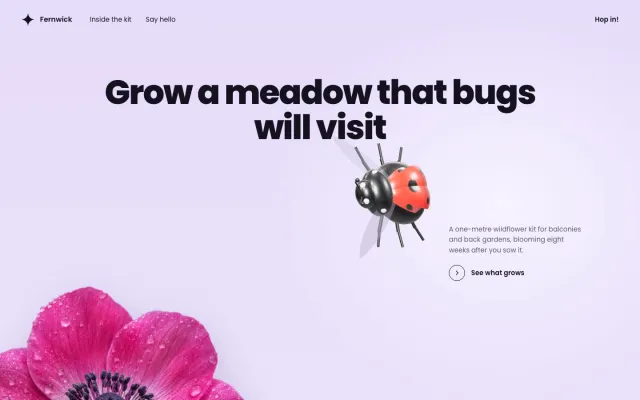
A glossy 3D character flies with your visitors, lands on a flower and leads to sign-up
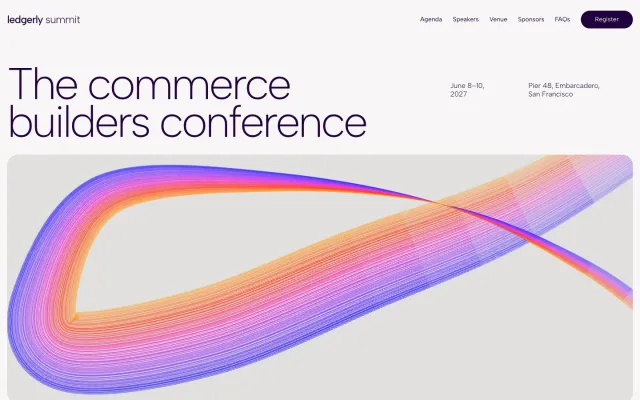
A complete offline conference website in one HTML file
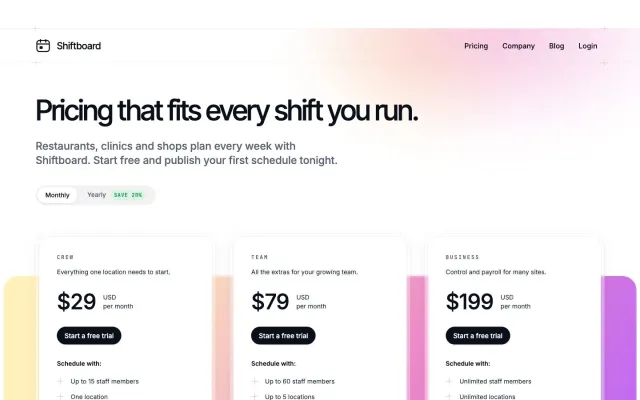
A calm SaaS pricing page with three tiers on a gradient band, comparison table and FAQ.

A launch keynote in the WWDC26 look - huge centred type and liquid glass panes.

A friendly training chapter deck with photo cards, sticker badges and numbered steps.

A black-and-white portfolio deck with giant wide type that runs off the edges.

A bold 14-slide brand guidelines book: logo, type, color and usage rules.

A training deck where every slide is an answer card - diagrams, charts, quizzes and tools.

Launch slides with drawn phone, browser and watch frames, stickers and notes

A magazine-style press kit with huge edge-to-edge titles, your photos and ruled lists.

A calm, bright 14-slide product launch plan with soft glow light and monospace titles.
A ten-slide fundraising deck where big numbers do the talking, with PDF export.

An eight-slide lesson on grid paper that presents in class and prints as a handout.

A quiet, precise product update - blueprint cover, annotated UI, changelog and roadmap.

A friendly app pitch with soft containers, one-seed colour and expressive shapes.

A black-and-orange client proposal with polaroid photos, bold dividers and an estimate.

A calm quarterly business review with KPI pills, a thin-line chart and numbered sections.

A friendly 14-slide team retrospective with portraits, timeline and sticky notes.

A black-and-white annual report set in giant Geist Serif on a strict sans grid.
An 8-second Art Deco title: gold sunburst, stepped arches and a chasing bulb marquee.
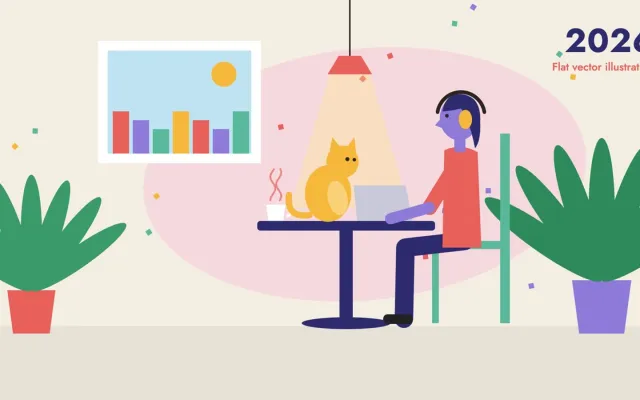
One room, sixteen art styles, fifteen seconds, from cave wall to flat vector.
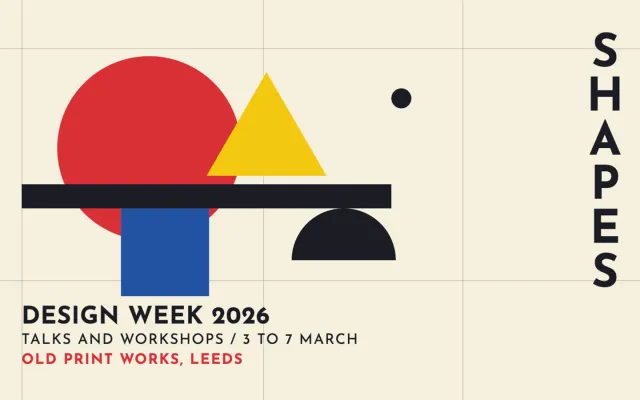
A 9-second Bauhaus poster that builds itself one shape per beat.
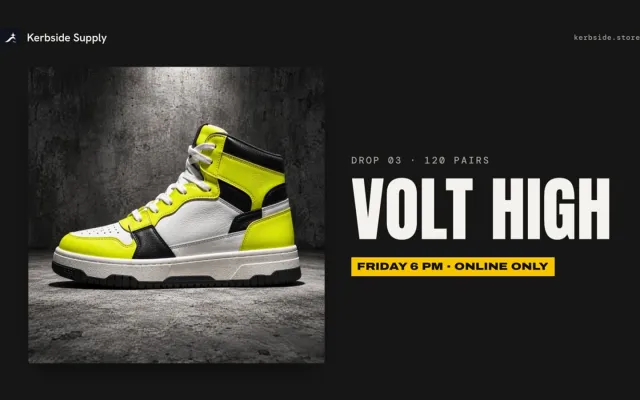
Caution tapes printed with your words slap on, then rip off to reveal the drop.
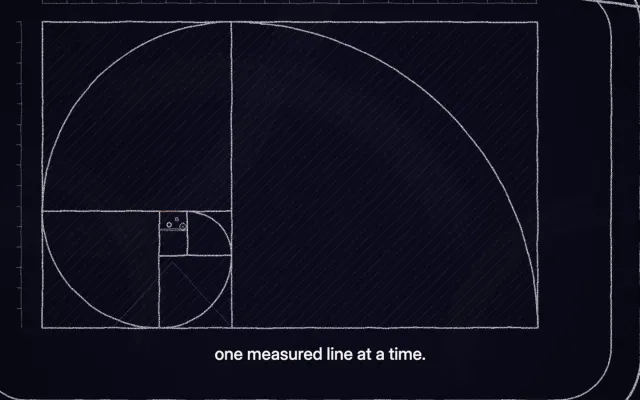
A 30-second chalk-on-navy intro that dives through five drawings and lands on your name.
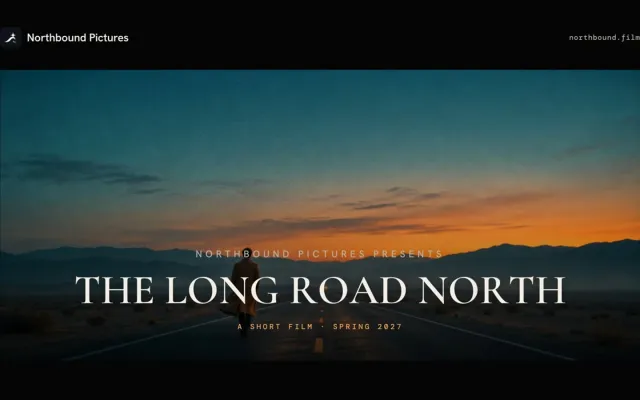
A film opener over your photo with letterbox, slow push-in, drifting credits and a flare.
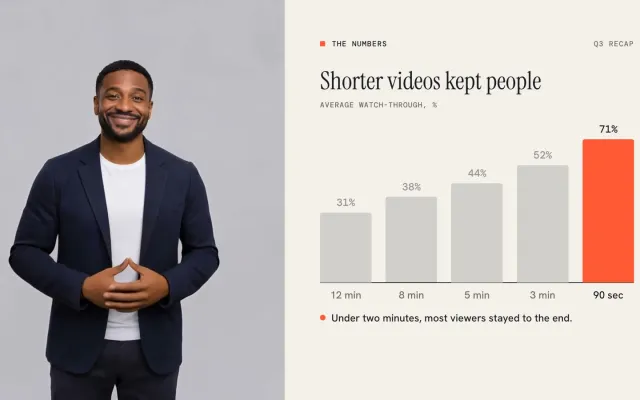
Five bars grow and count up beside the presenter, then the one that matters lights up.
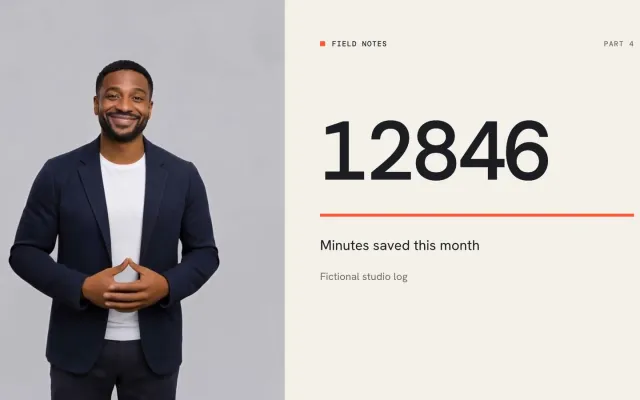
Big Number beside the presenter, in one clear eight-second insert.
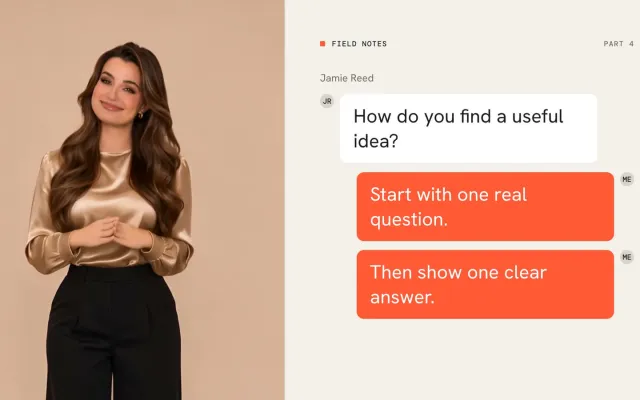
Chat Reply beside the presenter, in one clear eight-second insert.
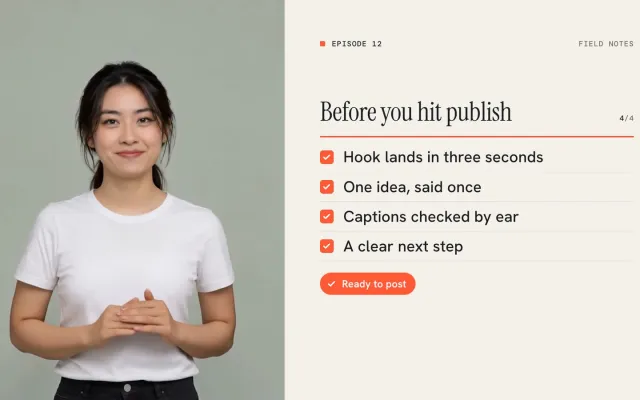
A four-item checklist ticks itself off beside the presenter, in 8 seconds.
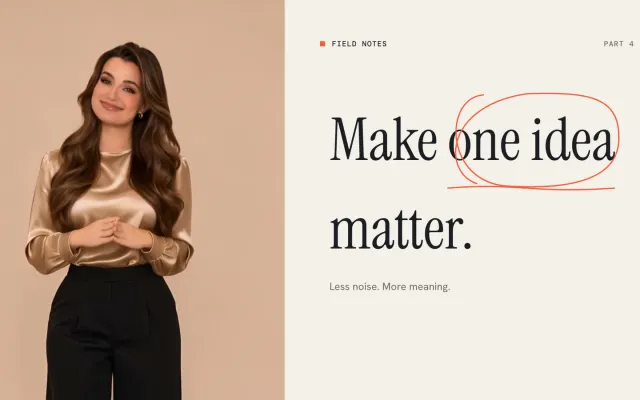
Circle Keyword beside the presenter, in one clear eight-second insert.
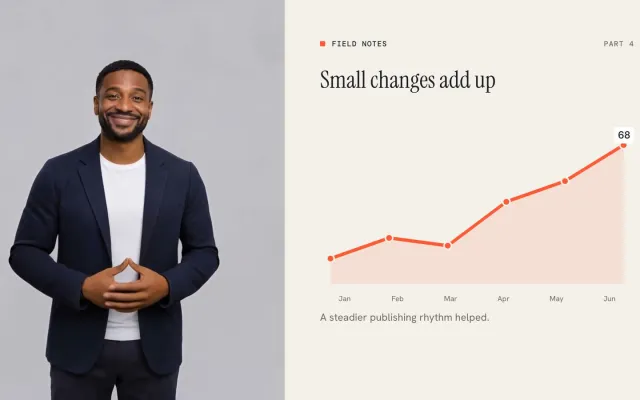
Line Trend beside the presenter, in one clear eight-second insert.
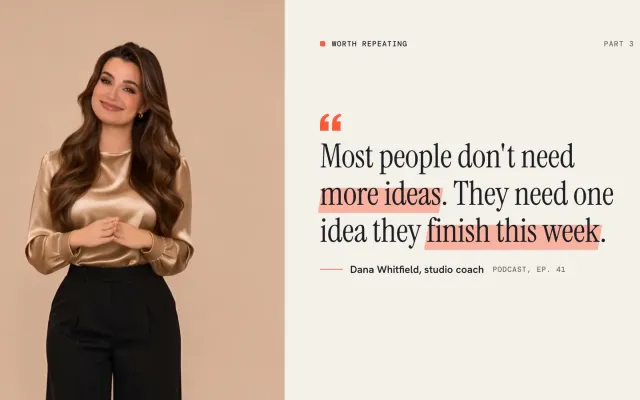
A quote fades in word by word beside the presenter and a highlighter marks the key phrase.
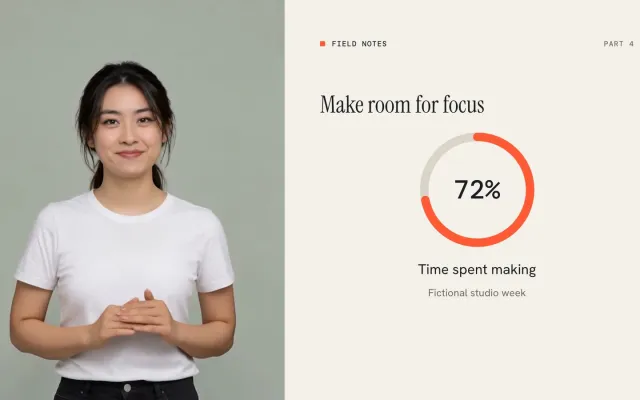
Progress Ring beside the presenter, in one clear eight-second insert.
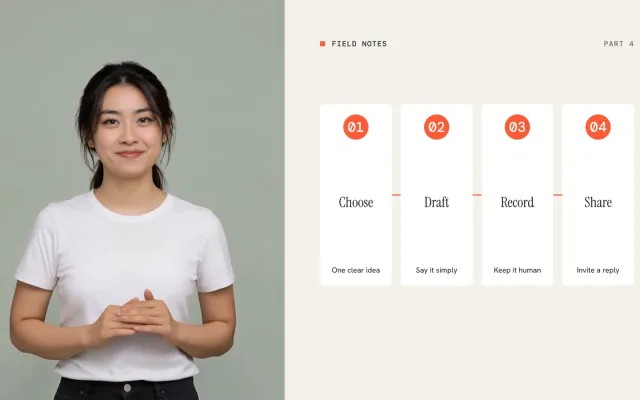
Step Path beside the presenter, in one clear eight-second insert.
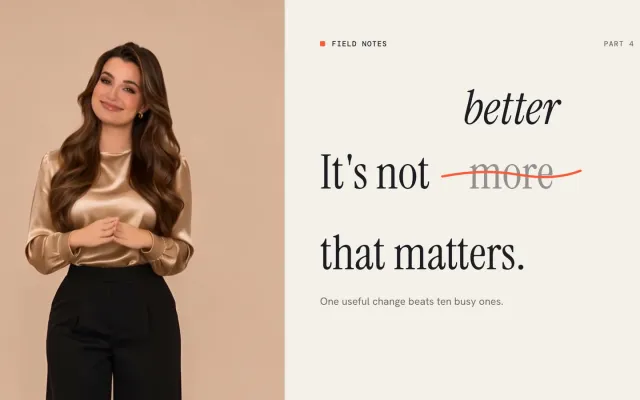
Strike & Rewrite beside the presenter, in one clear eight-second insert.
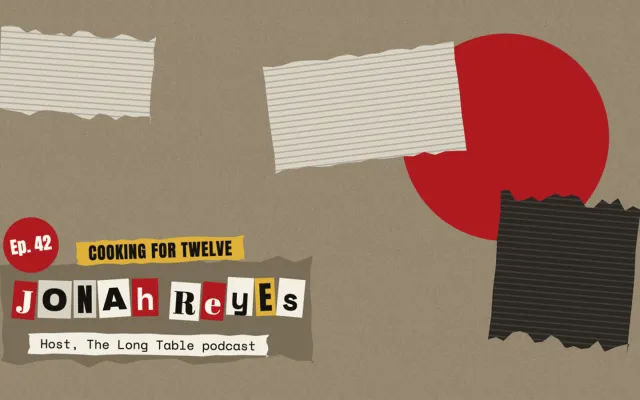
An 8-second collage name strip in ransom-note letters, with a green-screen version.
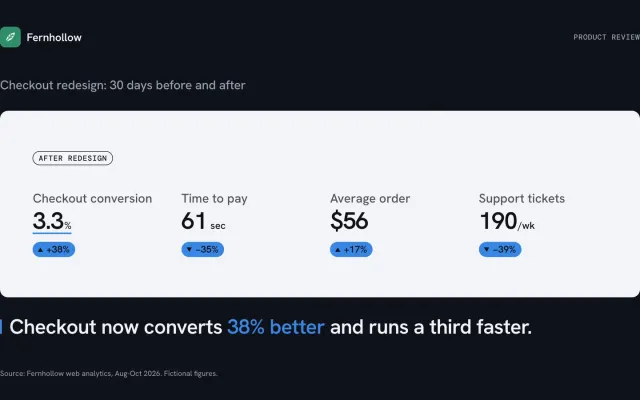
A slanted wipe flips the panel from the before numbers to the after numbers.
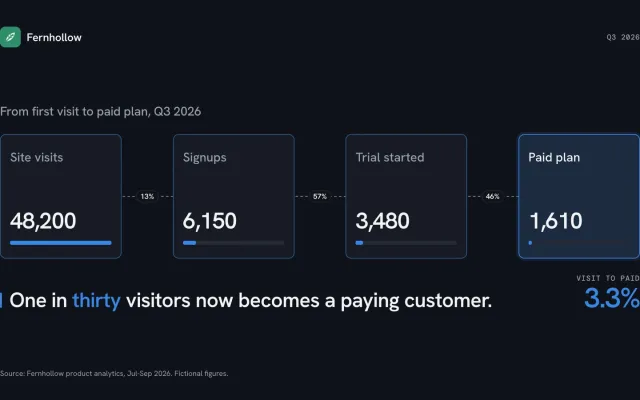
Dashed links flow stage to stage, each step's conversion appearing as the flow arrives.
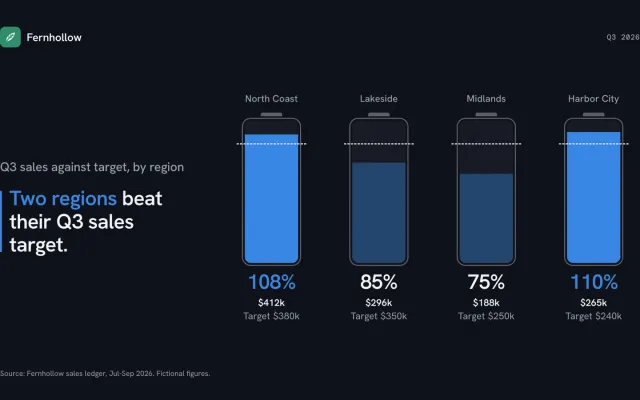
Battery-shaped tanks fill to actual vs target, with a goal line and the % counting up.
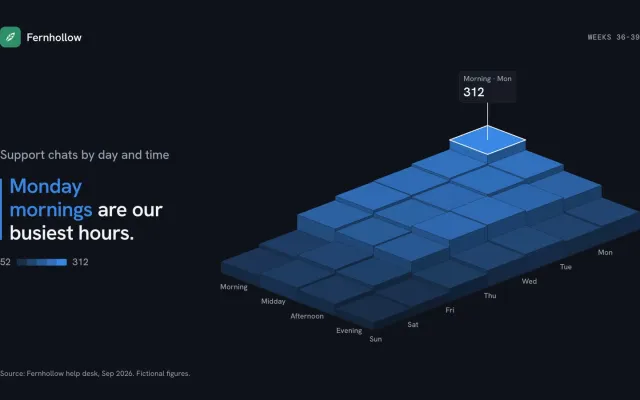
A rows-by-columns heatmap rises as isometric blocks; the peak cell is called out.
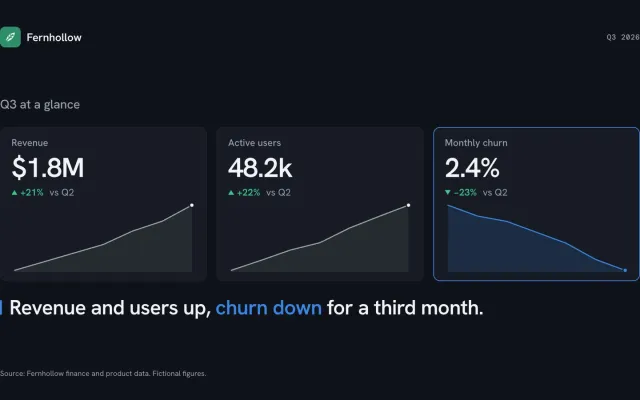
Two to four metric cards float in; numbers count up, trend lines draw, change tags land.
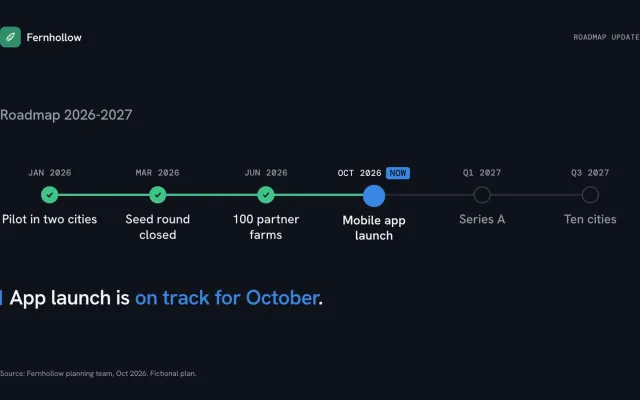
A roadmap track fills to today: done milestones get a check, the current one breathes.
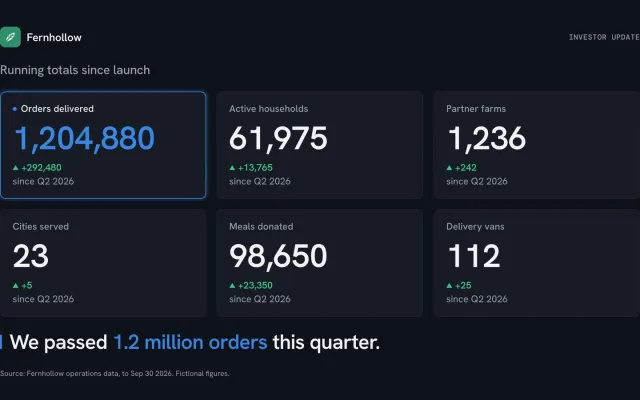
Three to six running totals roll like odometers from last report's figure to today's.
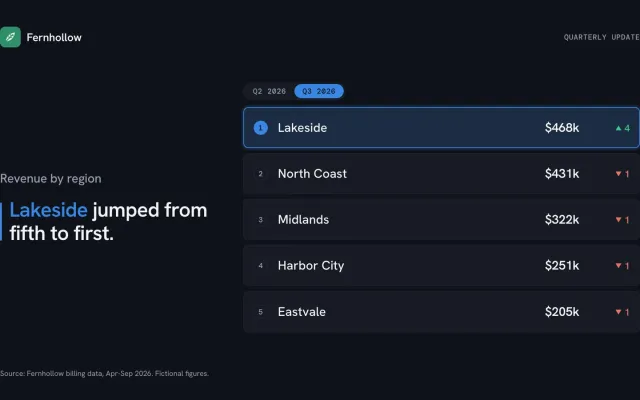
Rows slide from last period's ranking to this one, values counting and rank moves marked.
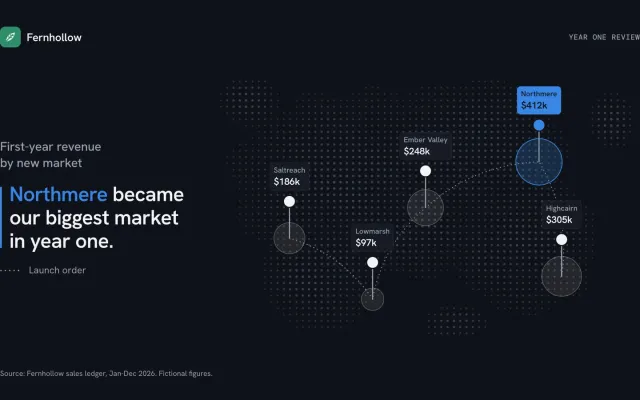
Pins drop onto an abstract dot map, each region's value spreads as a disc and counts up.
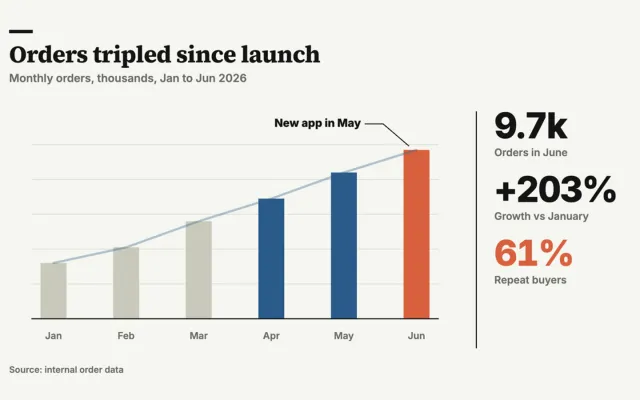
A 10-second newsroom-style chart: line, callout, bars and three counting numbers.
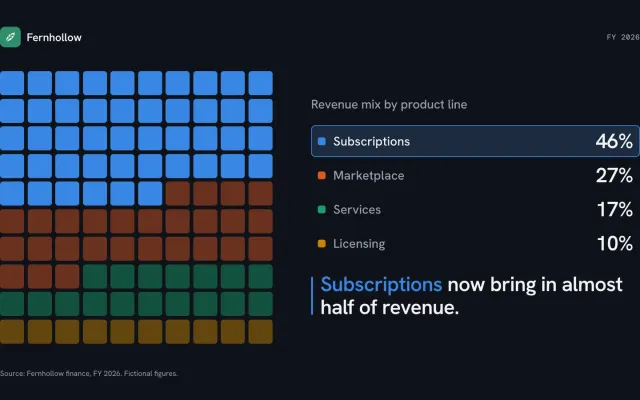
A 10x10 grid of tiles flips over into your shares, one tile per percent.
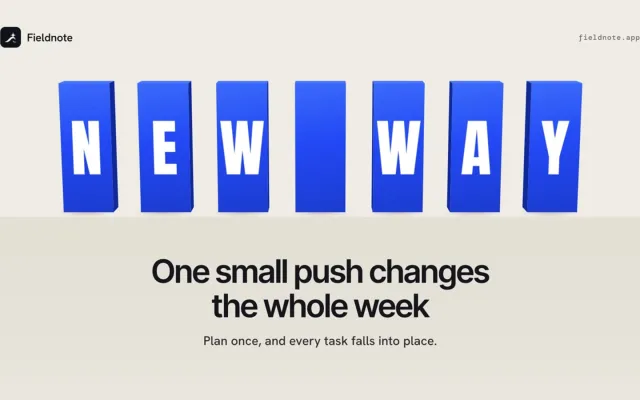
A row of 3D letter dominoes topples, then springs back up showing your new word.
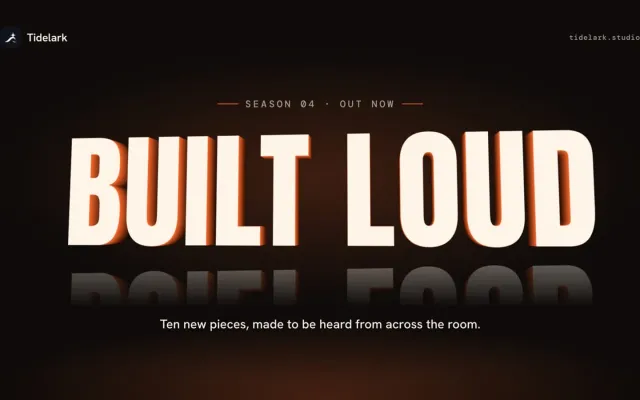
Your words as a solid 3D block that flies in, turns a full circle and lands.
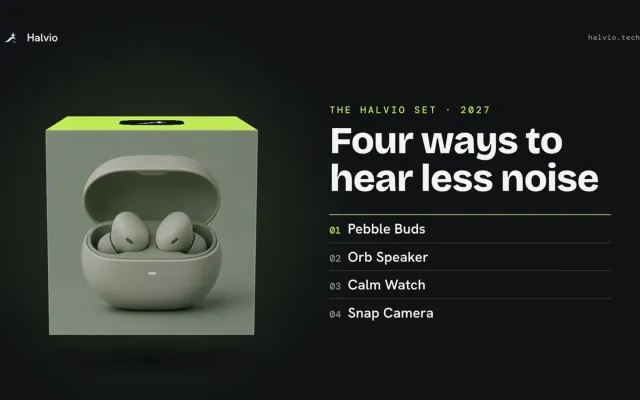
Four product pictures on a 3D cube that turns, then rolls face by face.
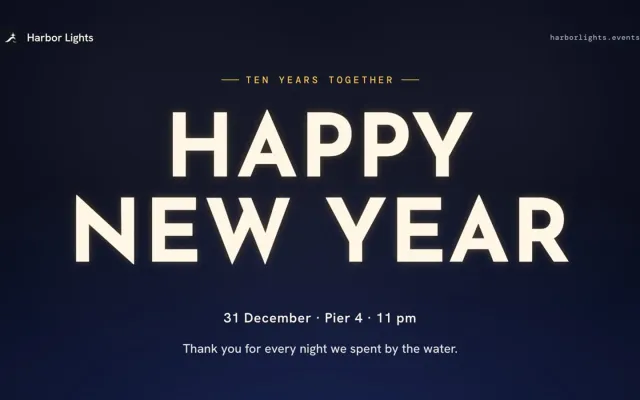
A night sky of fireworks builds to a finale, and your title lights up in the glow.
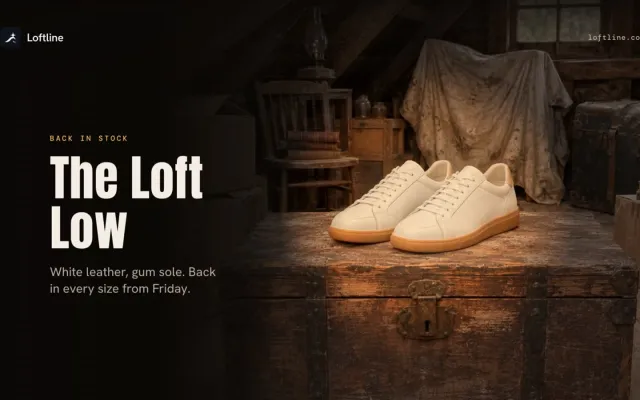
A torch searches a pitch-dark room, finds your product, and the lights come on.
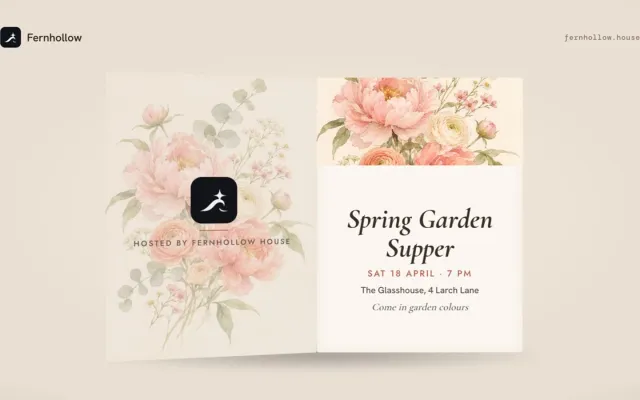
A folded paper card stands up, turns a full circle and opens on your event.
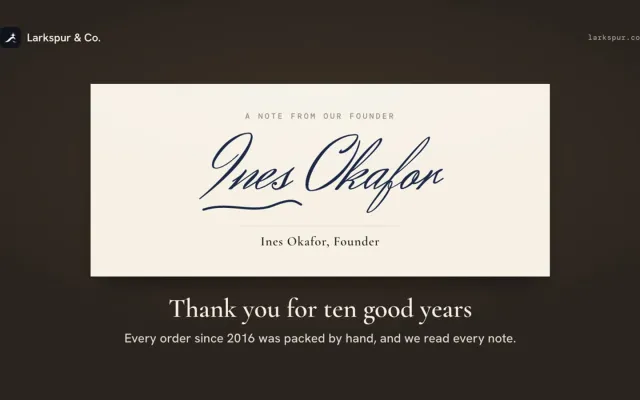
A fountain pen glides onto the paper and signs your name in ink.
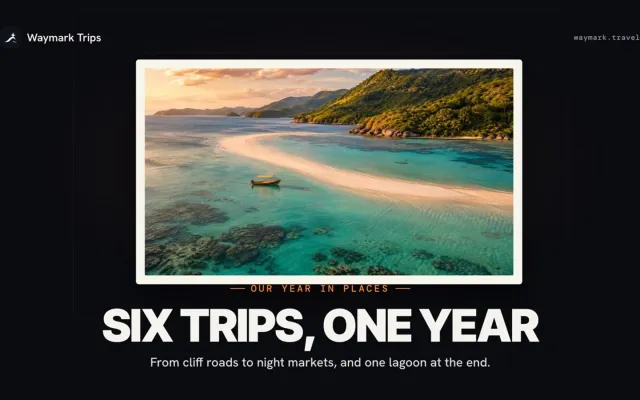
Dive down a tunnel as five of your photos fly past, then land on the sixth.
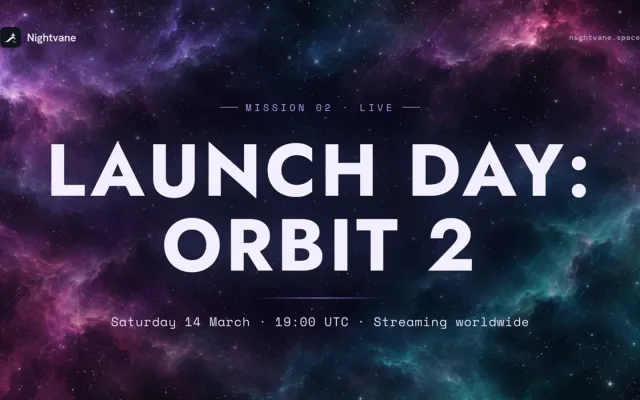
A ringed planet turns, the camera jumps to light speed, and your title lands.
A 9-second playful promo with a halftone mascot, product cards and a punchy close.
Six portraits become a printed-halftone music video with a fashion-show HUD.
Your artwork as a holo collectible card that shimmers, turns a full circle and lands.
An 8-second sci-fi HUD that scans, counts down and snaps to TARGET LOCKED.
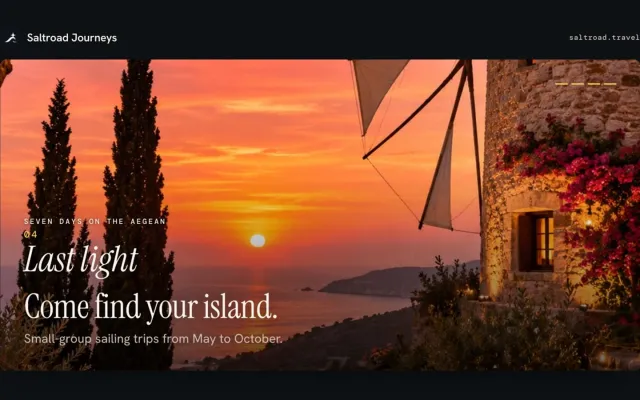
Four photos as four chapters, each opening in a growing circle out of the one before.
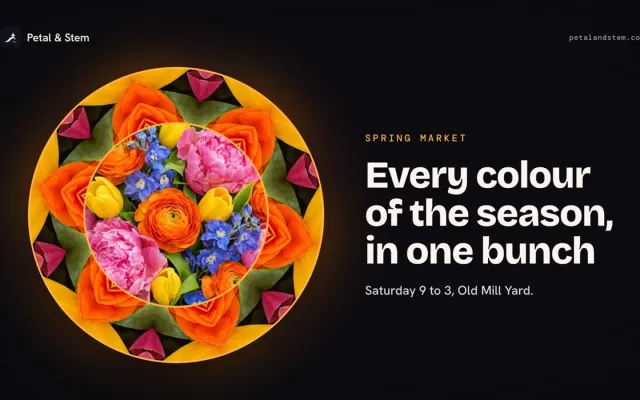
Your photo blooms into a turning kaleidoscope, then settles in a mirrored frame.
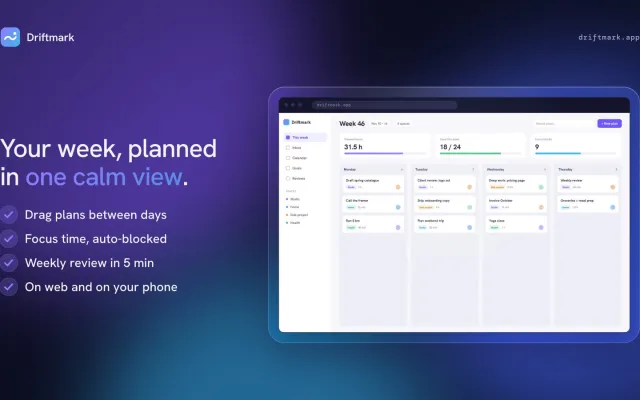
Your product rises in a frosted glass card over an aurora, then its selling points land.
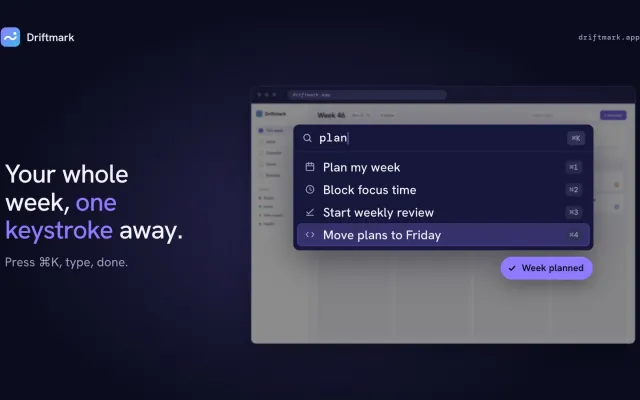
A command palette pops over your product and your selling points become the commands.
A big call-to-action button pulses three halo rings, with your address underneath.
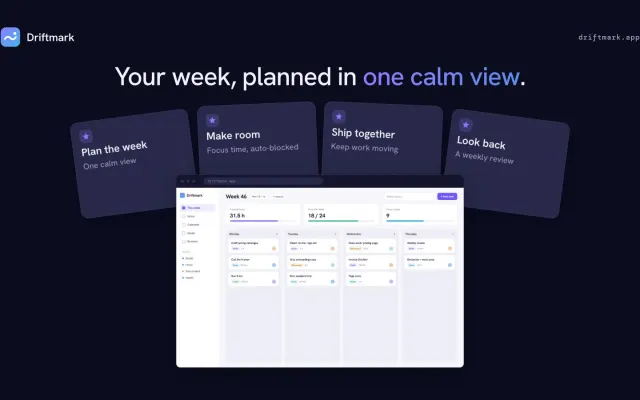
Your product is the front card; the selling points are dealt behind it and fan out.
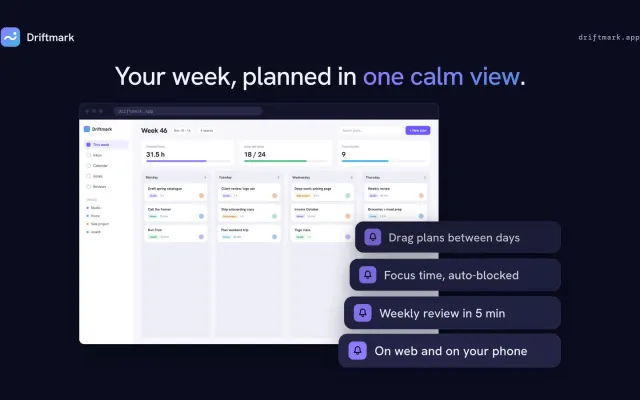
Your selling points pop out of the product as notification toasts, one by one.
Circle, logo, accent dot, then your product name and address slide out beside it.
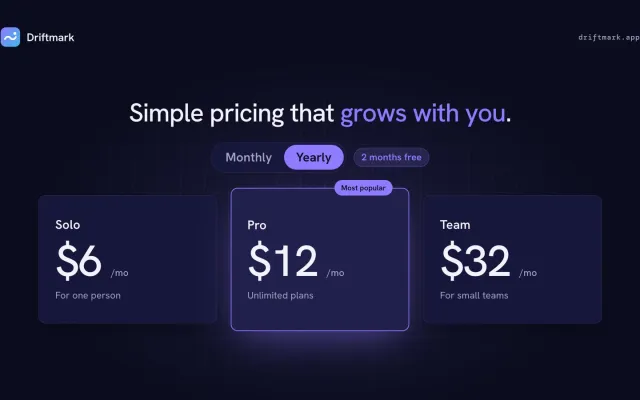
Three plan cards land, the switch slides to yearly and every price rolls digit by digit.
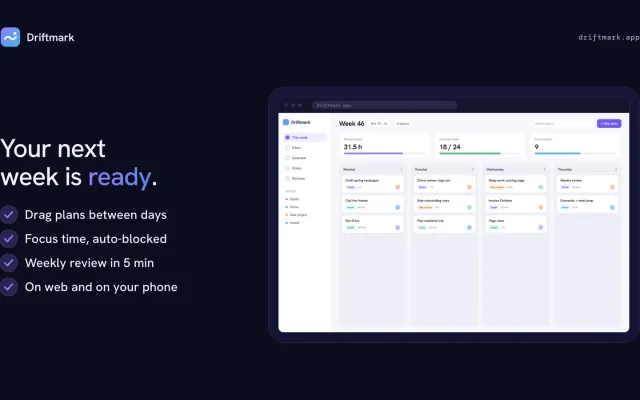
Skeleton blocks shimmer, then your real screenshot fades in right where they were.
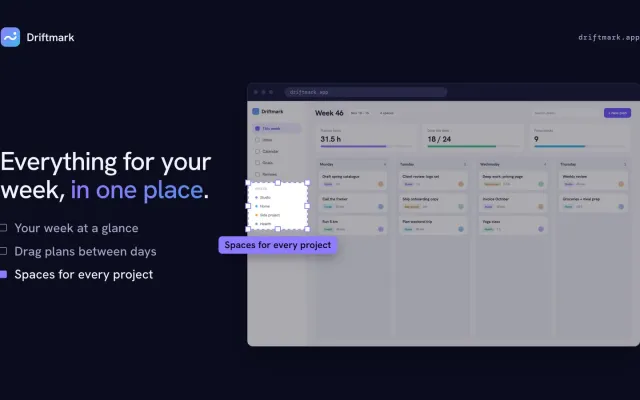
A design-tool selection box frames three parts of your screen and names each one.
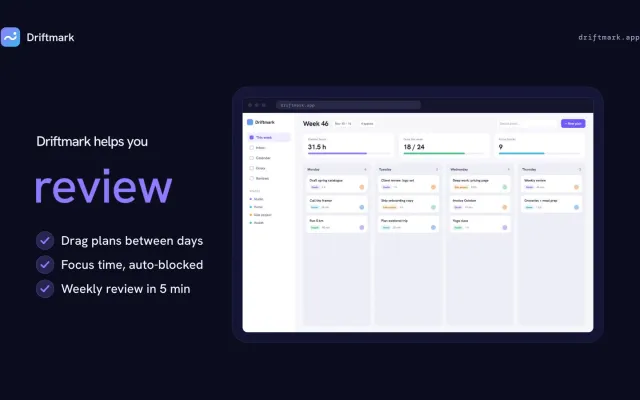
One sentence, three verbs: a 3D drum turns through them while your product pushes in.
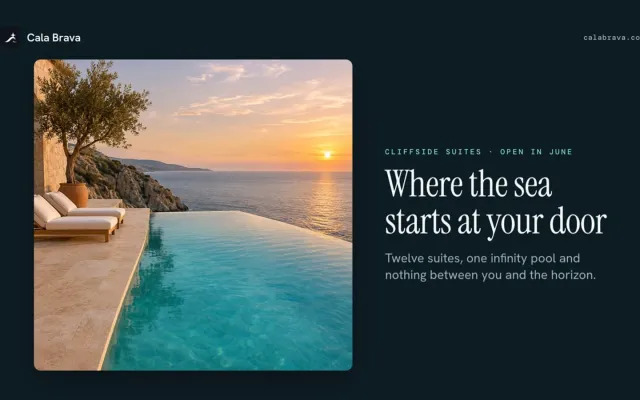
Fly into a letter of one big word and come out inside your destination photo.
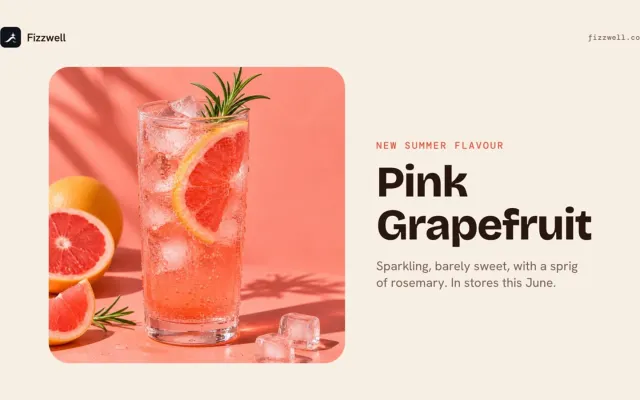
Glossy liquid drops, each a lens onto your photo, merge and spread into the full picture.
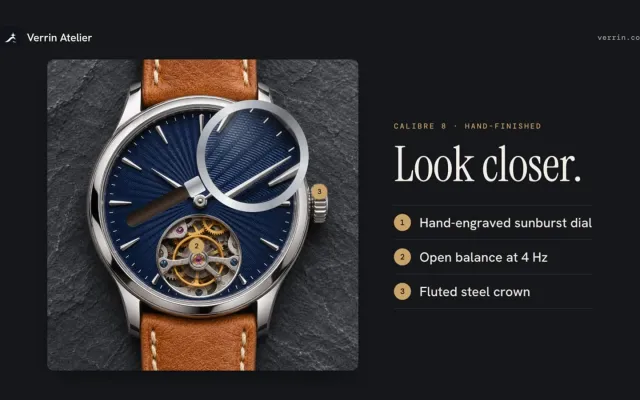
A steel loupe turns, then shows three details of your product at 2x, each with its line.
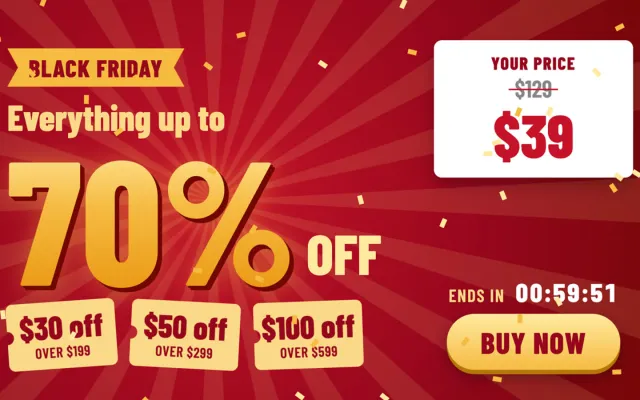
A 9-second sale promo where the discount slams onto a sunburst.
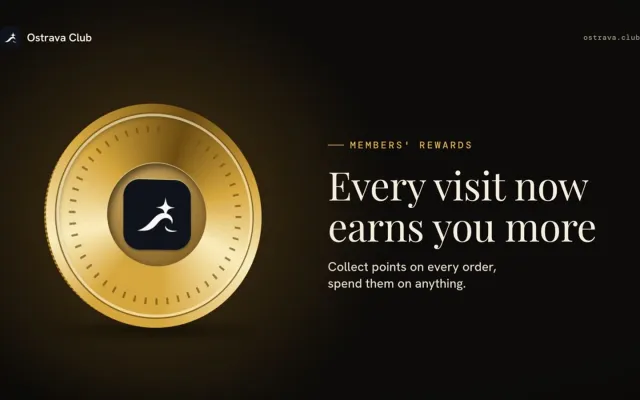
Your logo struck on a metal coin that is tossed, flips, lands and turns.
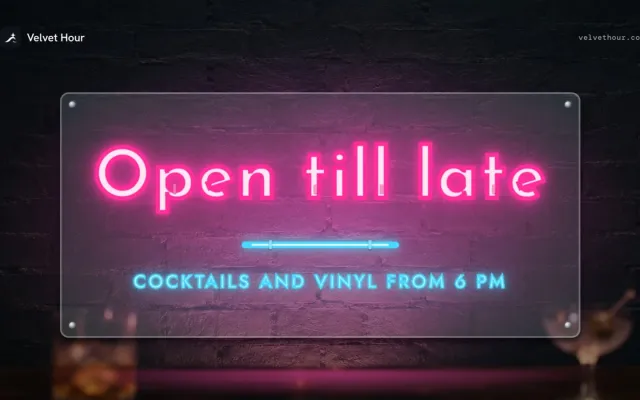
Your words as glass neon tubes that flicker on, section by section, and light the wall.
A 9-second gold line draws a seed, a skyline and a moon, then reveals your brand.
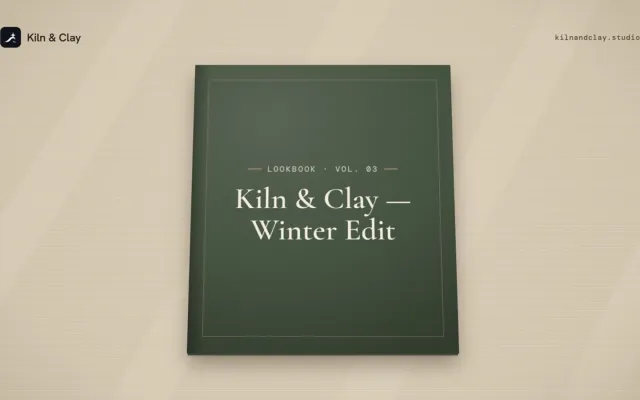
Your products in a cloth-bound book that opens and turns its pages in 3D.
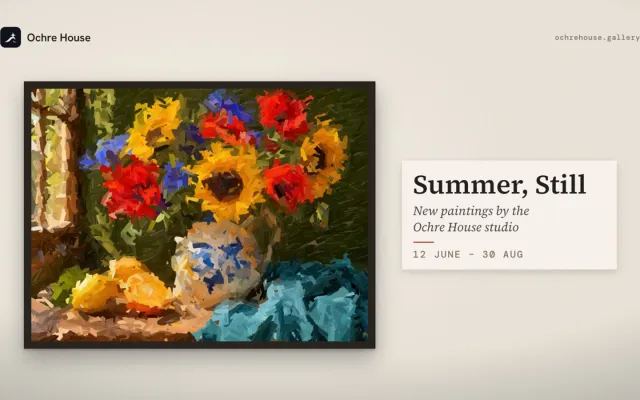
Your picture painted stroke by stroke in thick palette-knife oil, then hung with a label.
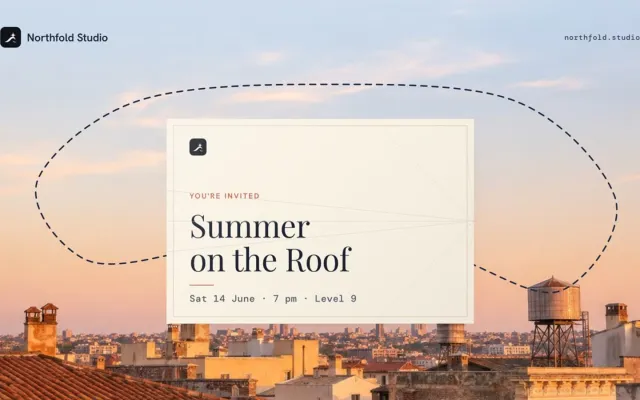
Your message on a paper card folds into a plane, loops over the city and lands as a card.
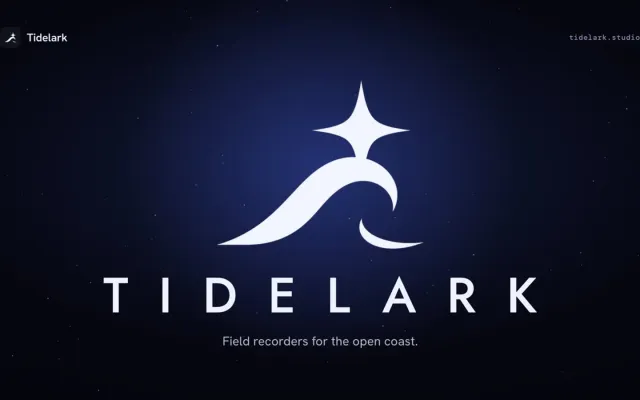
Thousands of particles spiral in and lock into your logo, then your name lands.
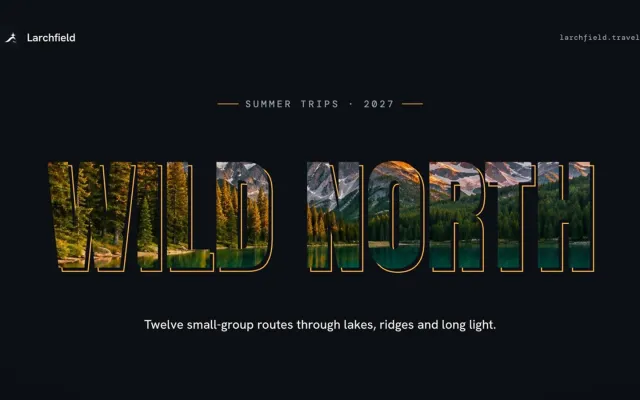
Your photo fills the screen, then pulls back to live inside two giant letters.
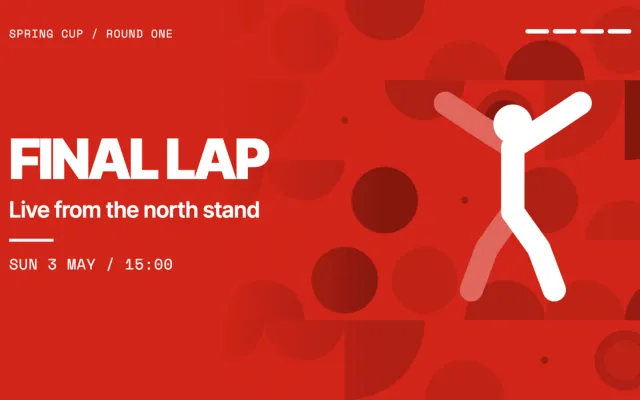
A 9-second sports-broadcast 3-2-1 with pictogram athletes that reveals your event.

A pixel mascot acts out forty agent states in a dark app, then shows the install line.
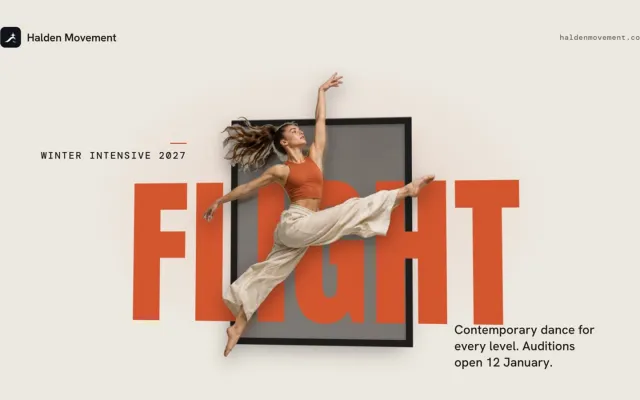
Your person steps out of a 3D picture frame, in front of a giant headline.
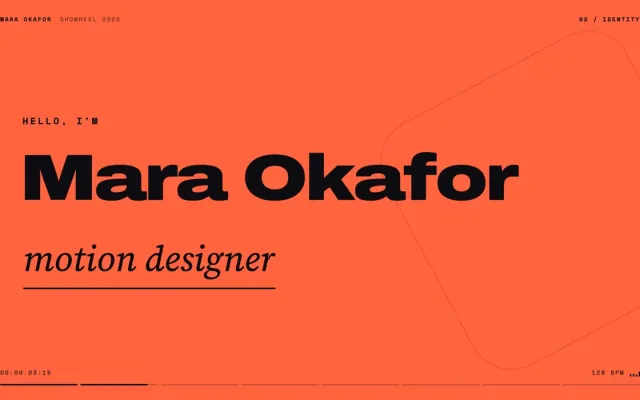
A 15-second, eight-beat motion showreel that ends on your name and contact.
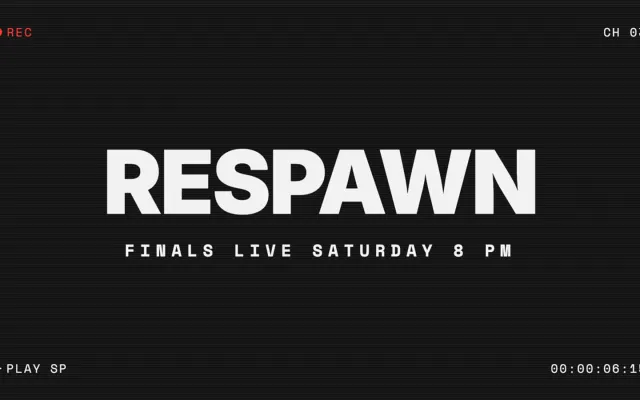
A 7-second VHS glitch title with color splits, slices and a NO SIGNAL flash.
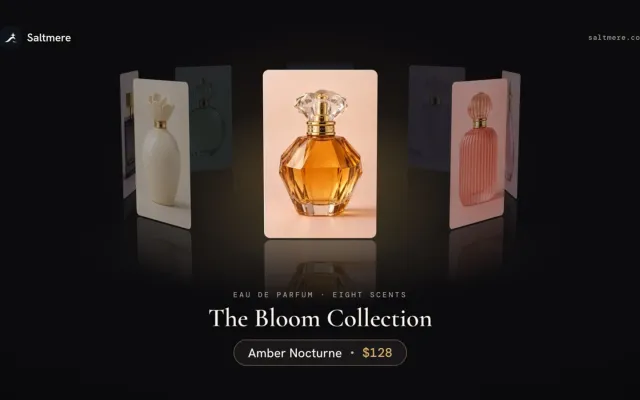
Your products in a 3D showroom ring that turns once and stops on the one you choose.
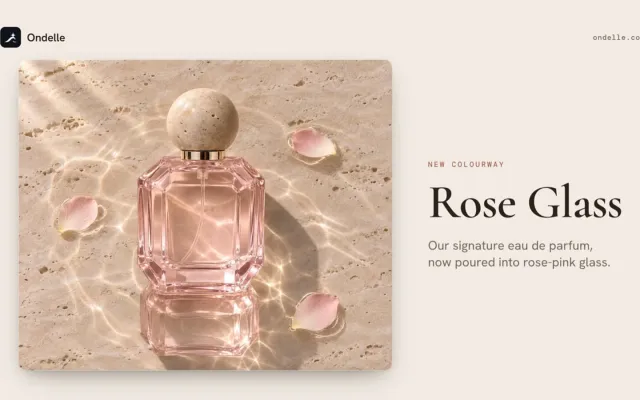
A water drop lands on your product photo and the ripples sweep in the new version.
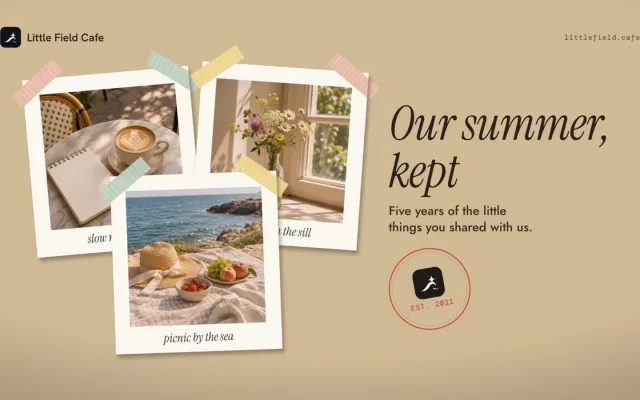
Three of your photos taped into a kraft-paper scrapbook, then your title written in.
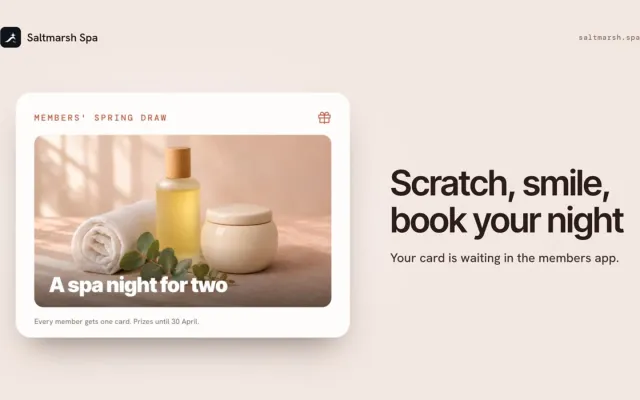
A foil scratch card turns, a coin scratches it open and your prize appears.
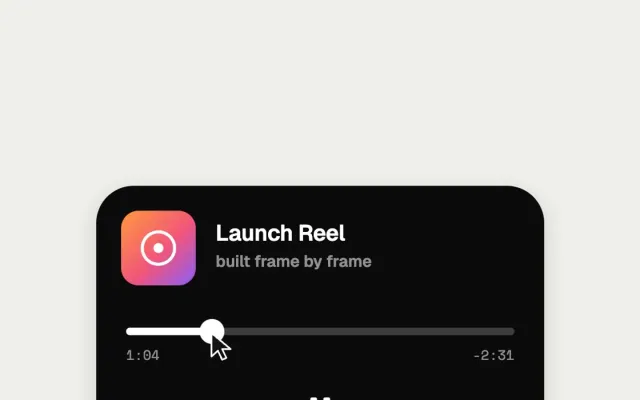
One shape morphs through twelve interface states in fourteen seconds.
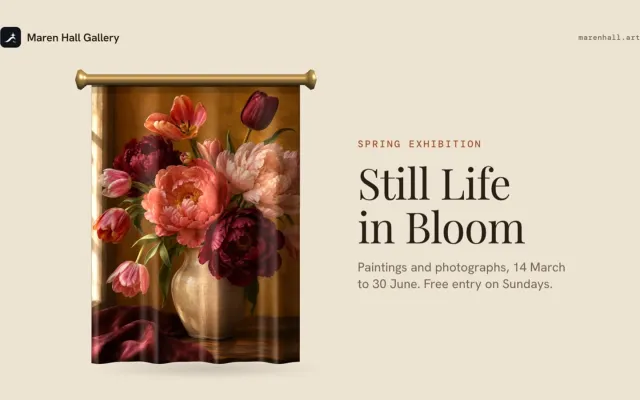
Your poster printed on a silk banner that unrolls, turns and ripples in the wind.
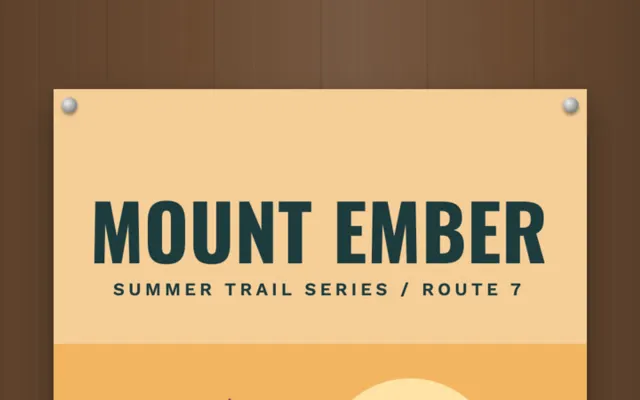
A 10-second 9:16 story: a travel poster screen-printed one flat ink at a time.
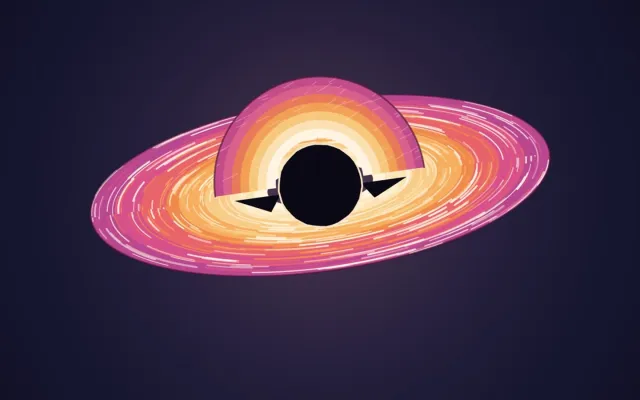
A 32-second doodle montage that dives into a mascot's eye and flies through the cosmos.
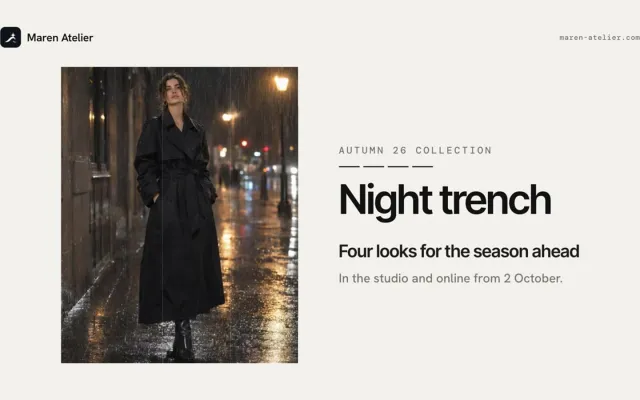
Four photos, each one cut into slices that slide away to reveal the next.
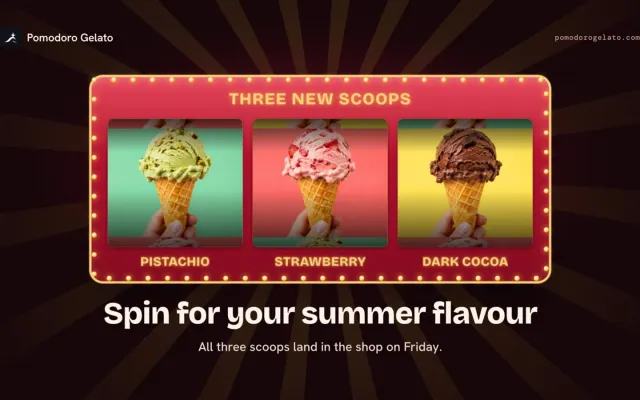
Your three products on spinning slot reels that land one by one, then the lights go off.
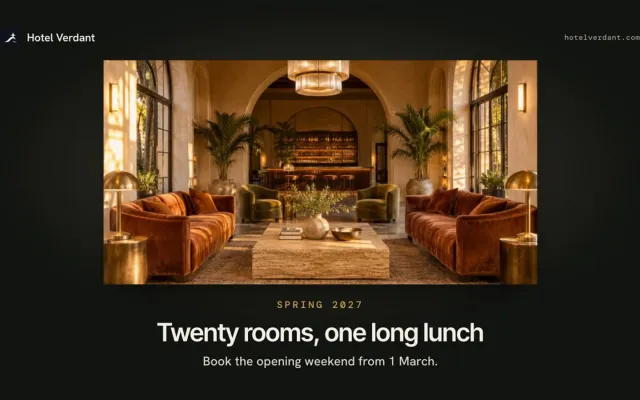
Your cover picture splits into two doors that swing open on the picture behind.
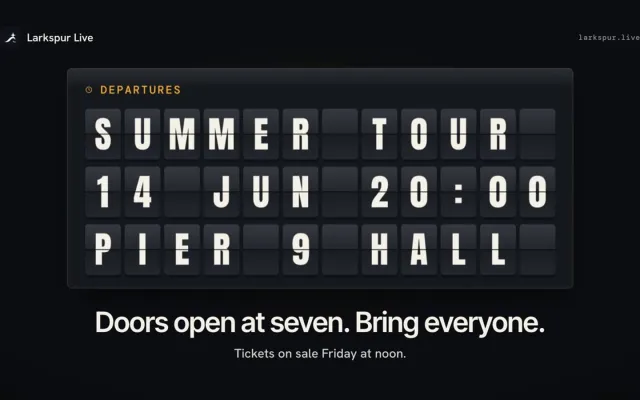
Your event on a station departure board: the flaps clatter and land on your words.
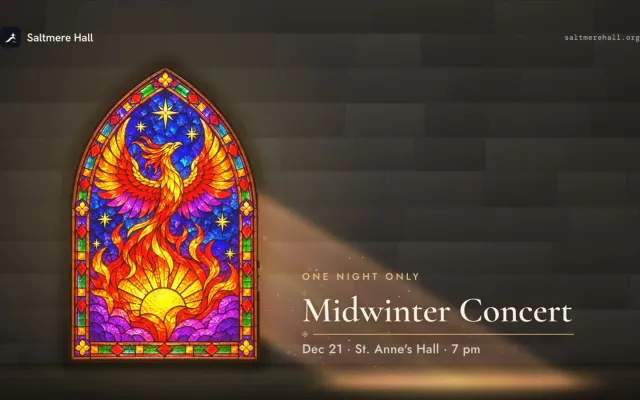
Sunlight sweeps your stained-glass window and your title rises in the coloured light.
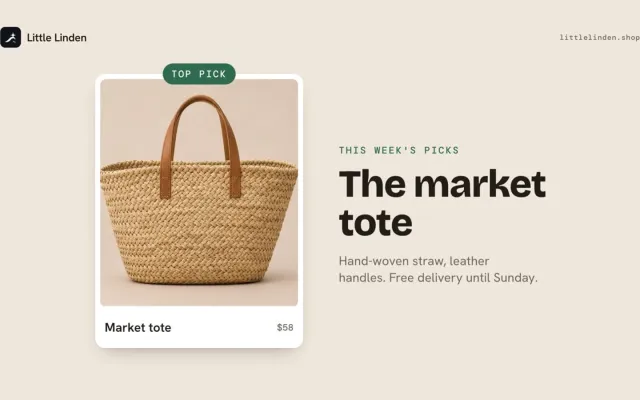
A stack of product cards gets swiped left and right until your top pick wins.
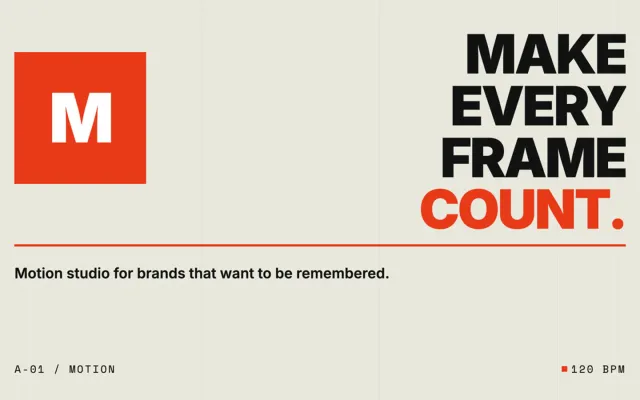
A 6-second Swiss-style title where four bold lines slam in on the beat.
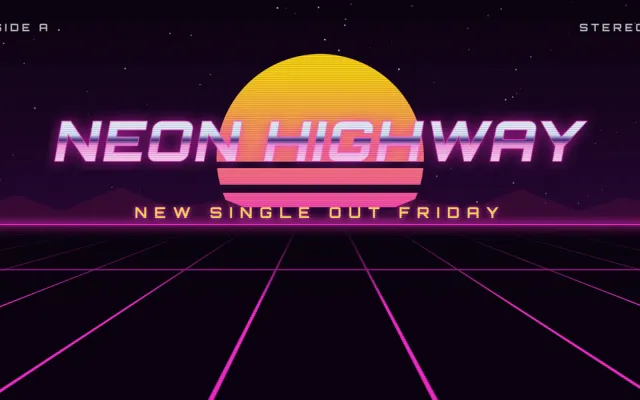
An 8-second 80s title: striped sunset, endless neon grid and a chrome title.
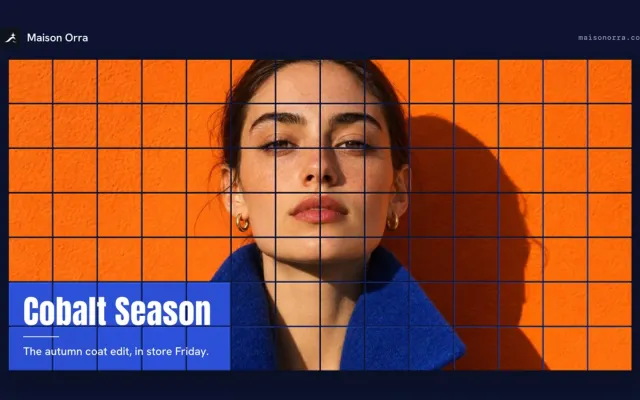
A wall of 3D tiles flips over in a wave, assembles your photo and turns a full circle.
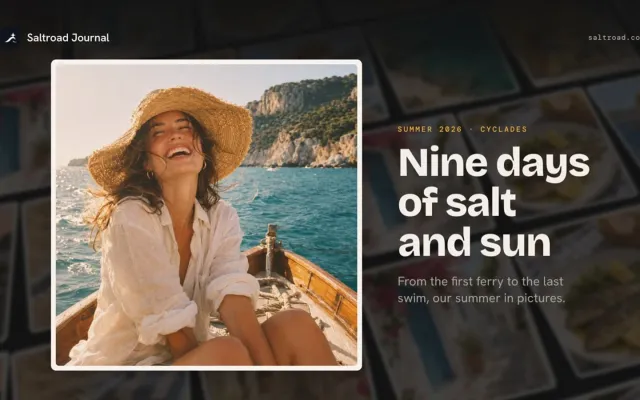
Nine photos on a tilted wall slide past, then your best shot flies out into a big frame.
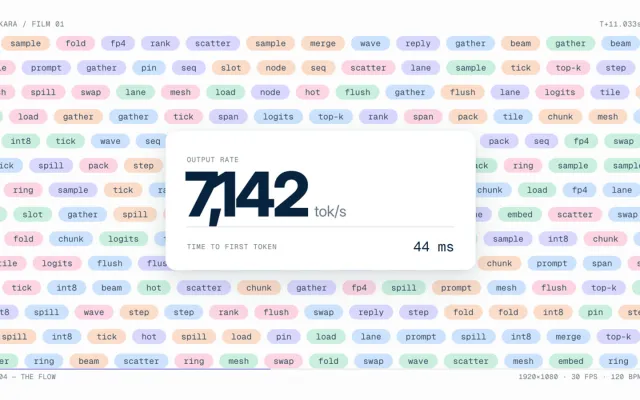
A 26-second white launch film: word slam, GPU grid, token stream, your wordmark.
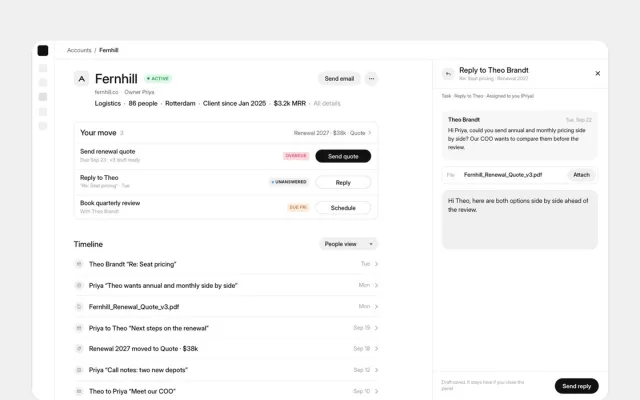
Animate five redesign decisions on one screen, blueprint style, in 42 seconds.
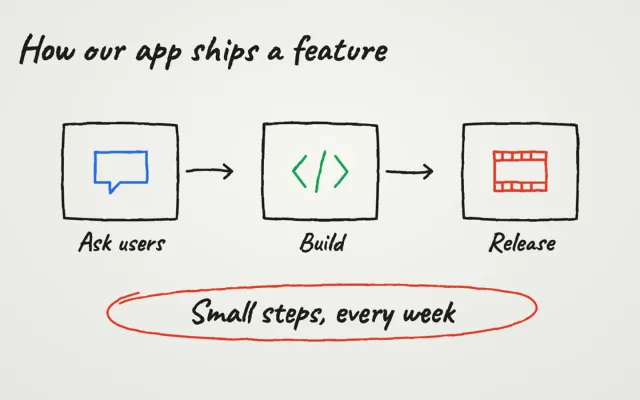
A 9-second hand-drawn explainer: title, three sketched steps and a circled takeaway.
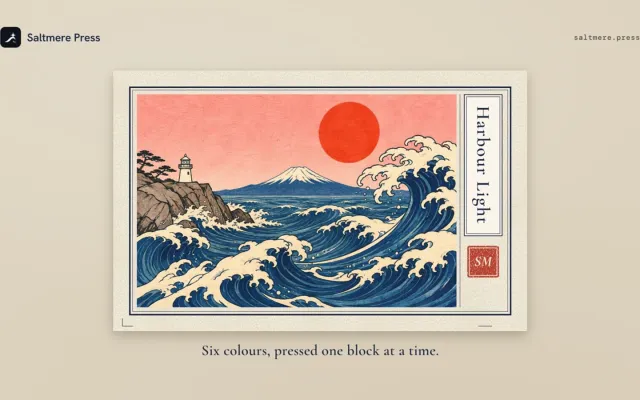
Your picture printed like a woodblock, one colour plate at a time.
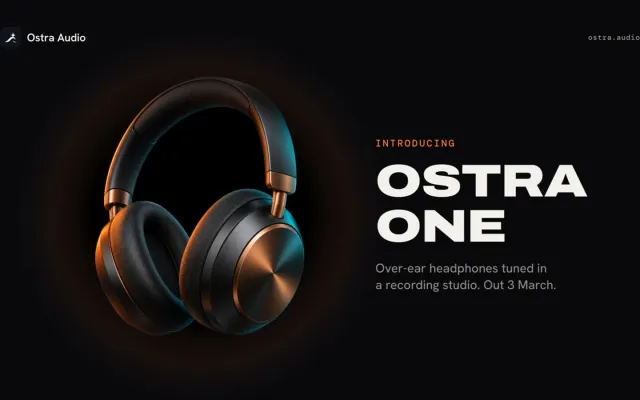
Your keywords spiral into a flash of light and your product bursts out of it.
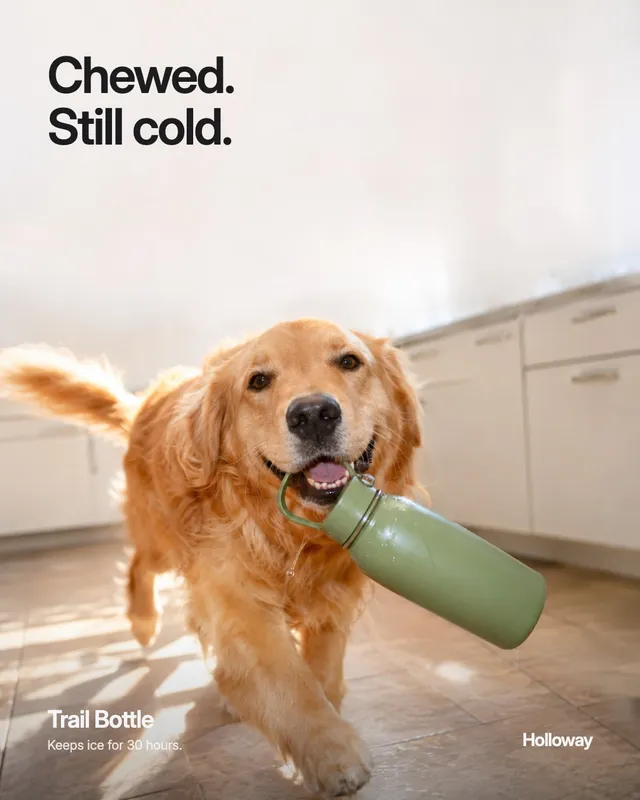
Four coordinated compositions with editable text, photographs and local export.
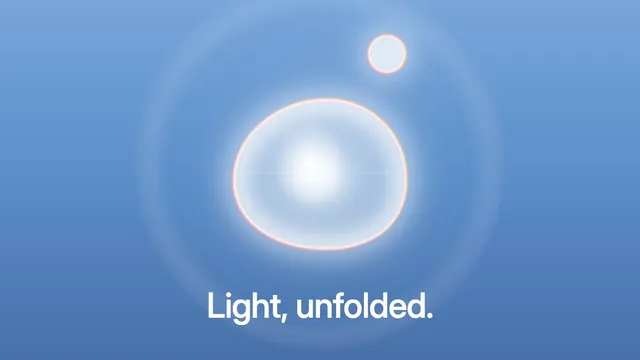
A glowing glass-logo event invite and countdown set on a pale-blue-to-slate field.
One announcement, four matching post sizes, in soft aurora gradients and frosted glass.

Four coordinated images with editable text, colors and local photographs.
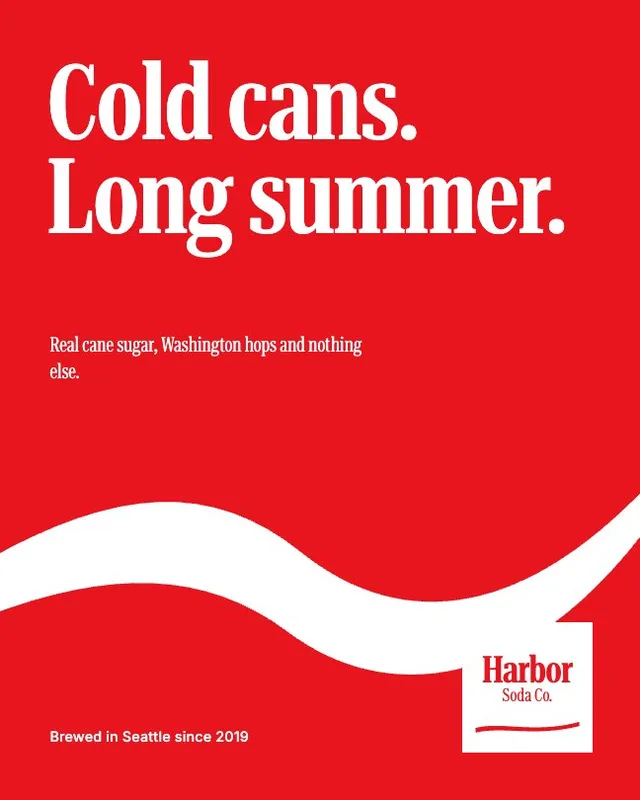
Promo posters and social squares in bold red, a sweeping white ribbon and a square badge.
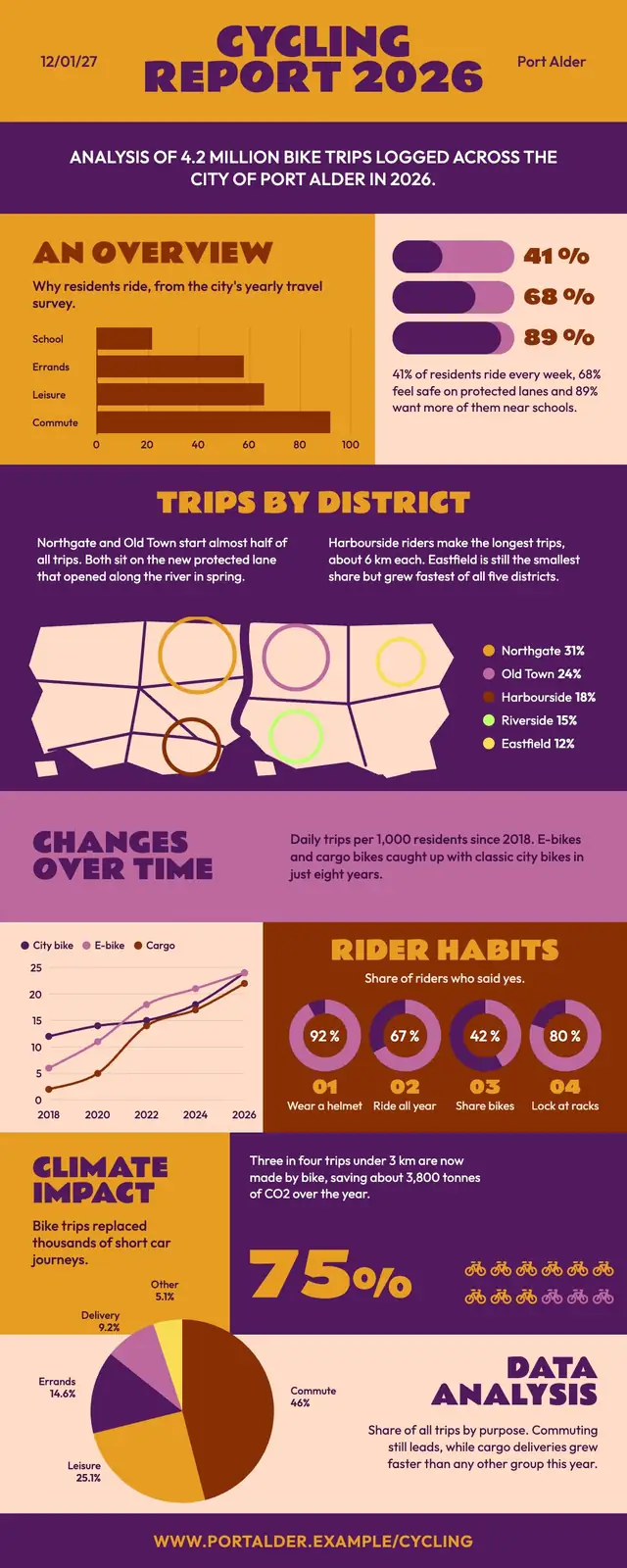
A tall one-page data report in purple and orange, every chart drawn from your numbers.
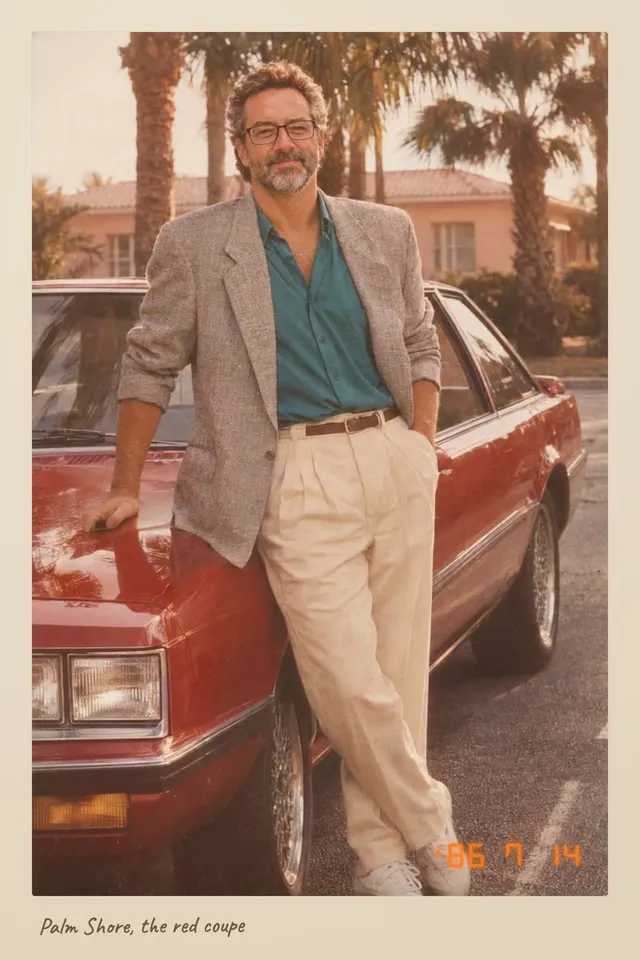
Your own face, re-shot on warm 1986 film and mounted as a dated photo print
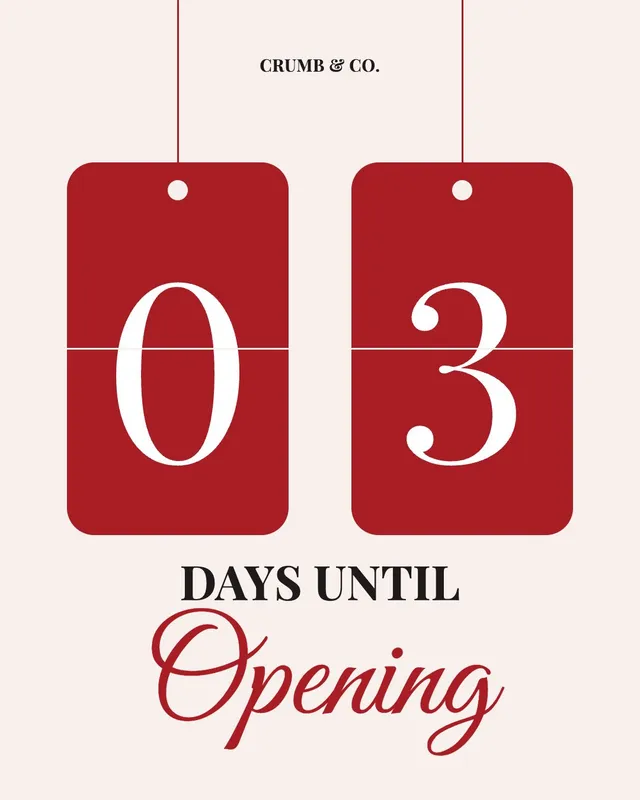
Countdown posts with two hanging flip cards, serif digits and a script word.
A matching show poster and e-ticket in loud two-ink overprint, drawn with code.

Launch graphics with interlocking four-color gradient glyphs and textured 3D icons.
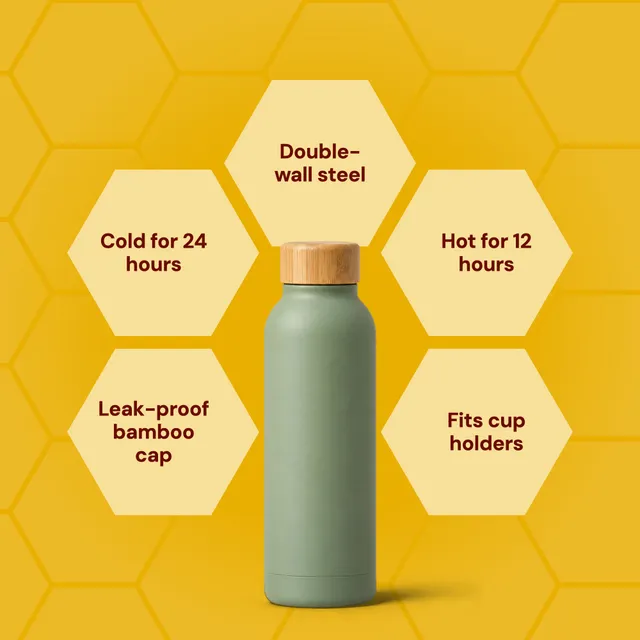
Three bold marketplace images around your product photo, with hexagon feature badges.
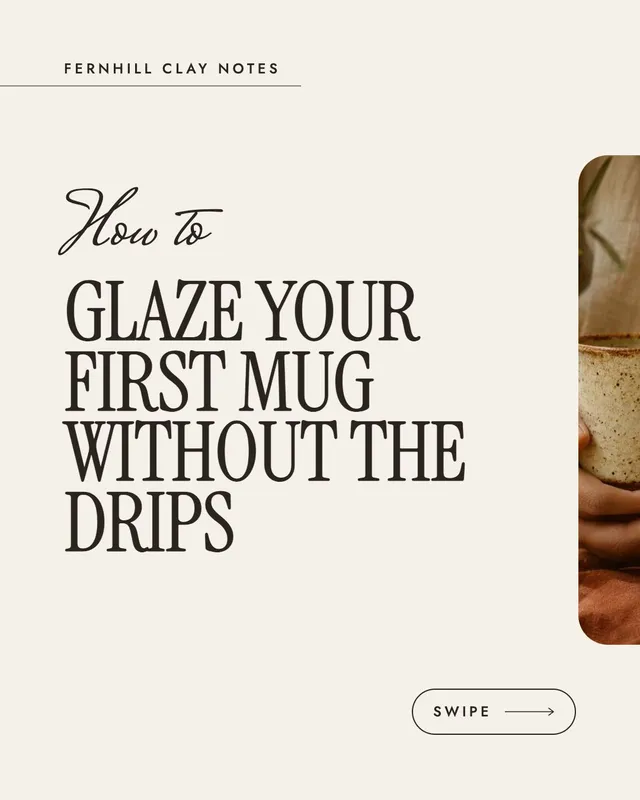
A calm four-slide how-to carousel in square, portrait and story sizes from one brief.

A 10-slide creator carousel with justified type, a pen word and a sliver of gradient.
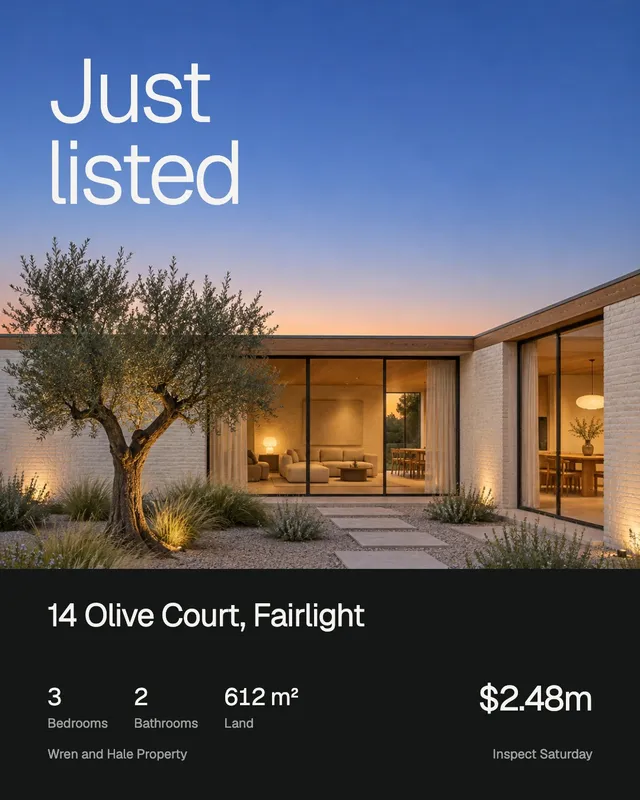
Four coordinated images with editable text, colors and local photographs.
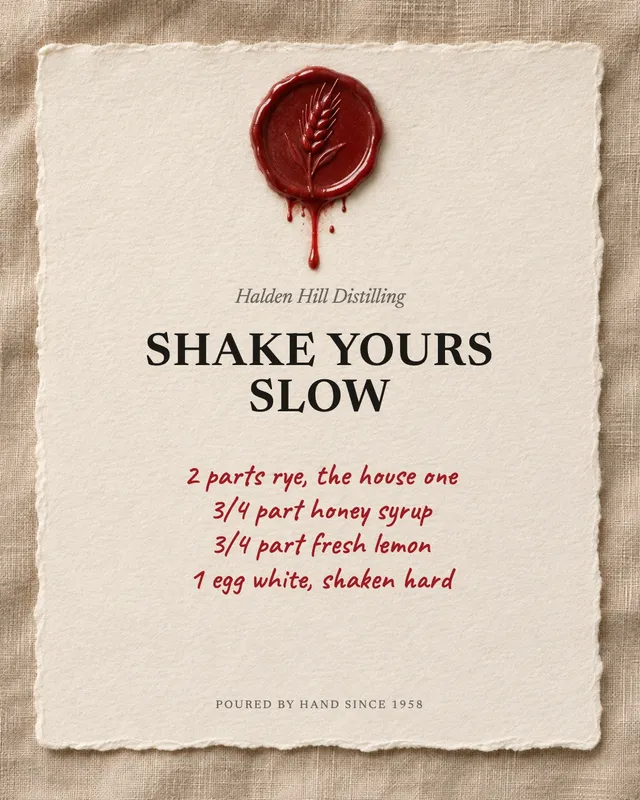
Four coordinated images with editable text, colors and local photographs.
Four coordinated images with editable text, colors and local photographs.
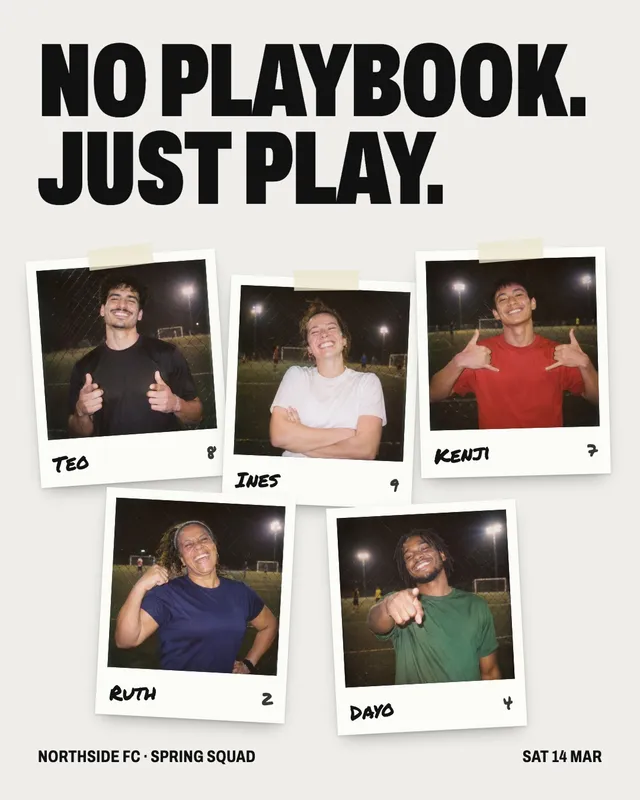
Four coordinated compositions with editable text, photographs and local export.
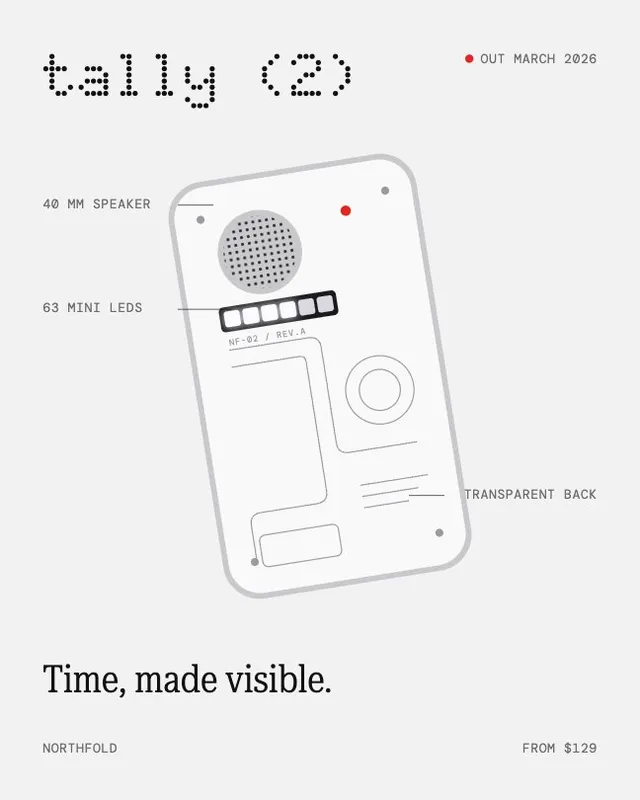
Hardware posters with dot-matrix type, a transparent drawn device and a glowing light bar.
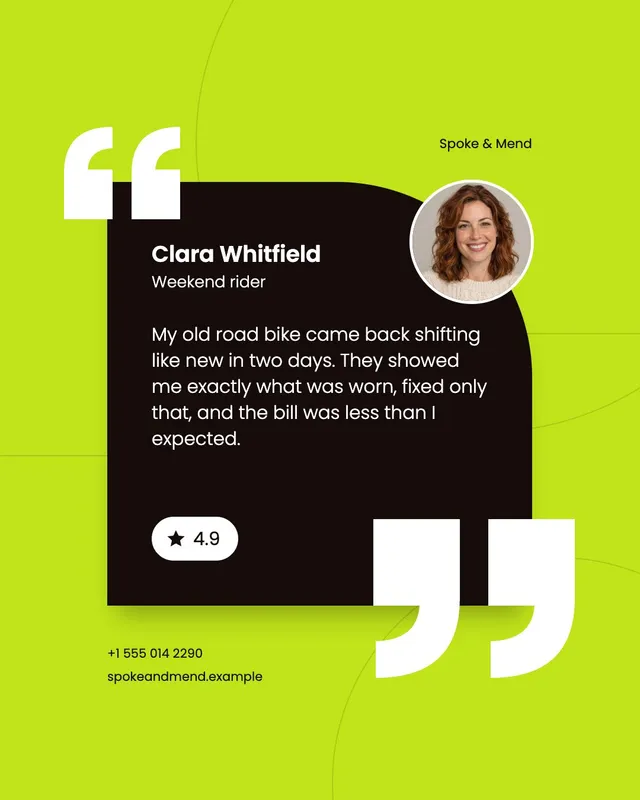
A bold customer review card with a round photo, giant quote marks and a star rating.
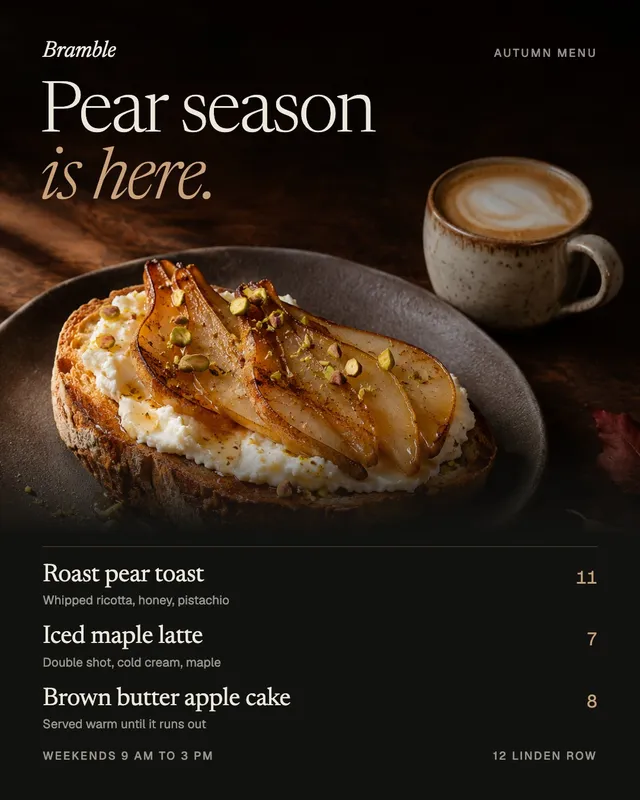
Four coordinated compositions with editable text, photographs and local export.

A corporate event poster with three speaker portraits, in print and social sizes.
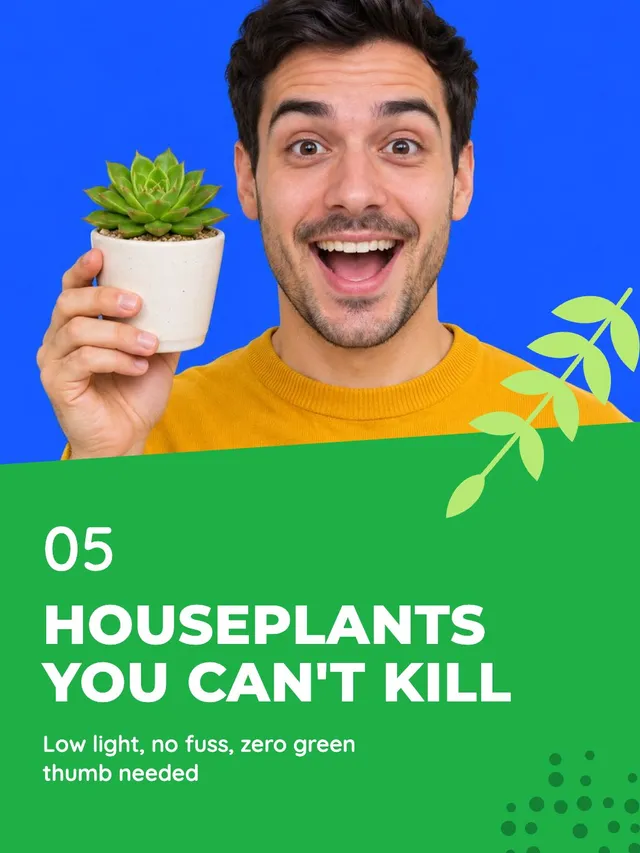
A bold color-panel YouTube thumbnail and a matching 3:4 cover from one photo.
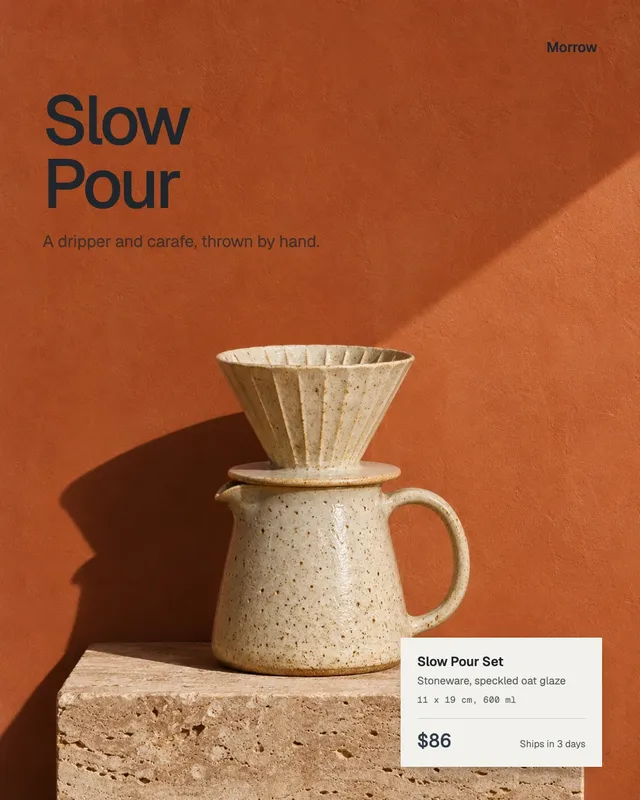
Four coordinated compositions with editable text, photographs and local export.
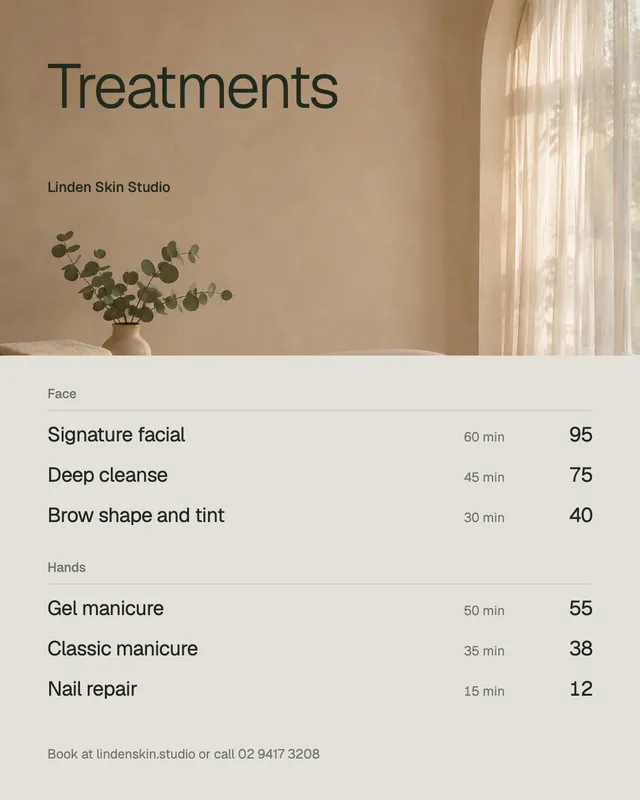
Four coordinated images with editable text, colors and local photographs.
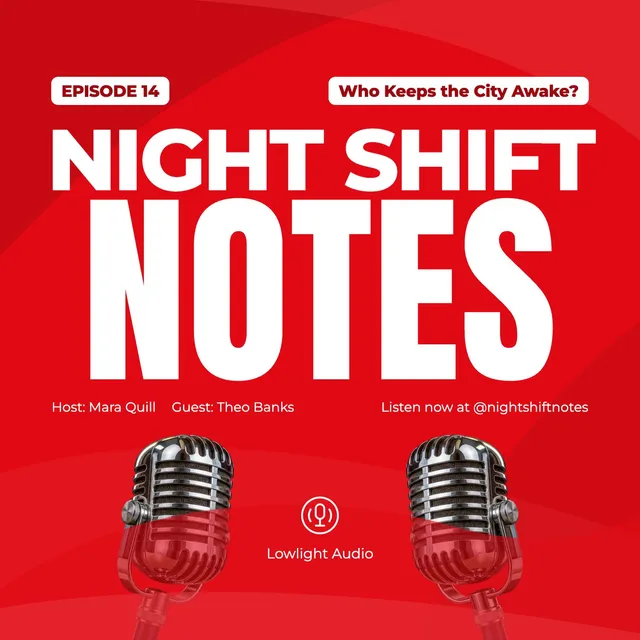
Bold one-color podcast artwork with a huge two-line title and cut-out mics, 3 sizes.
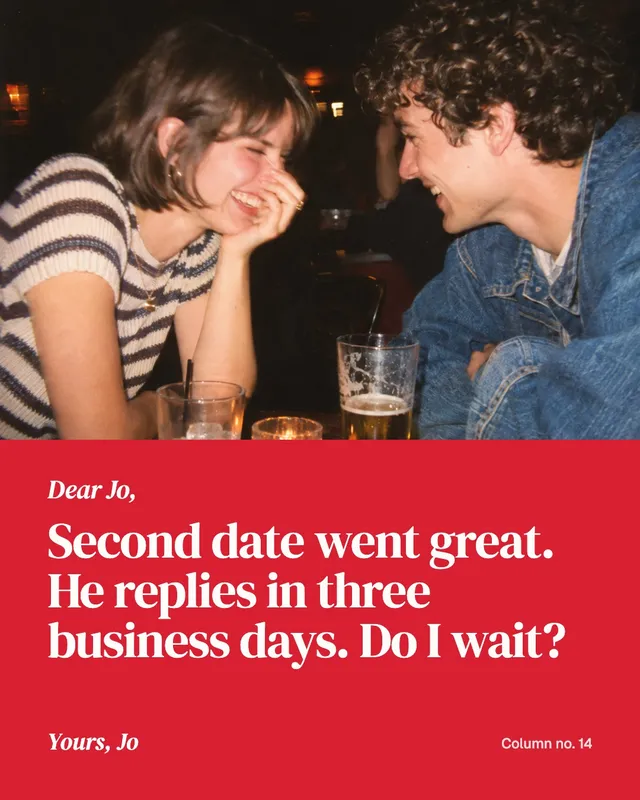
Four coordinated images with editable text, colors and local photographs.
Made by Hotkit
151 skills so far. We design the result, write the workflow and keep it in working shape.

 01
Choose a concrete output worth keeping.
 02
Package instructions, templates and scripts around SKILL.md.
 03
Every skill is run end to end before it ships.
 04
Maintain the workflow as its tools and dependencies change.
Connect Hotkit once. Then ask your agent for a result, and it finds, installs and checks the skill for you.
Read https://hotkit-api.onrender.com/install/agent.md and follow the instructions to connect Hotkit. Open the browser authorization when needed, then help me find the right skill for my task.Every premium skill and new releases, with updates included.
Cancel anytime
Save 36% a year
Pay once · Founding price
Price rises $20.00 for every 20 new packs, capped at $249.00.
Cancel anytime. Payments are non-refundable, except as required by law. · Privacy
The essentials, before your first download.
Read the getting-started guideConnect once, then install any Hotkit skill straight from the agent you already use.